Trimato for macOS
Fresh cuts with an accessible video and audio editor.
Built Blind-first for Mac, with VoiceOver and keyboard editing at its core.
Download Trimato on the Mac App Store.
Requires macOS 14 or later.
Projects and media
Edit individual clips or build complete projects. Organize your media and make changes while preserving your original recordings.
A flexible workspace
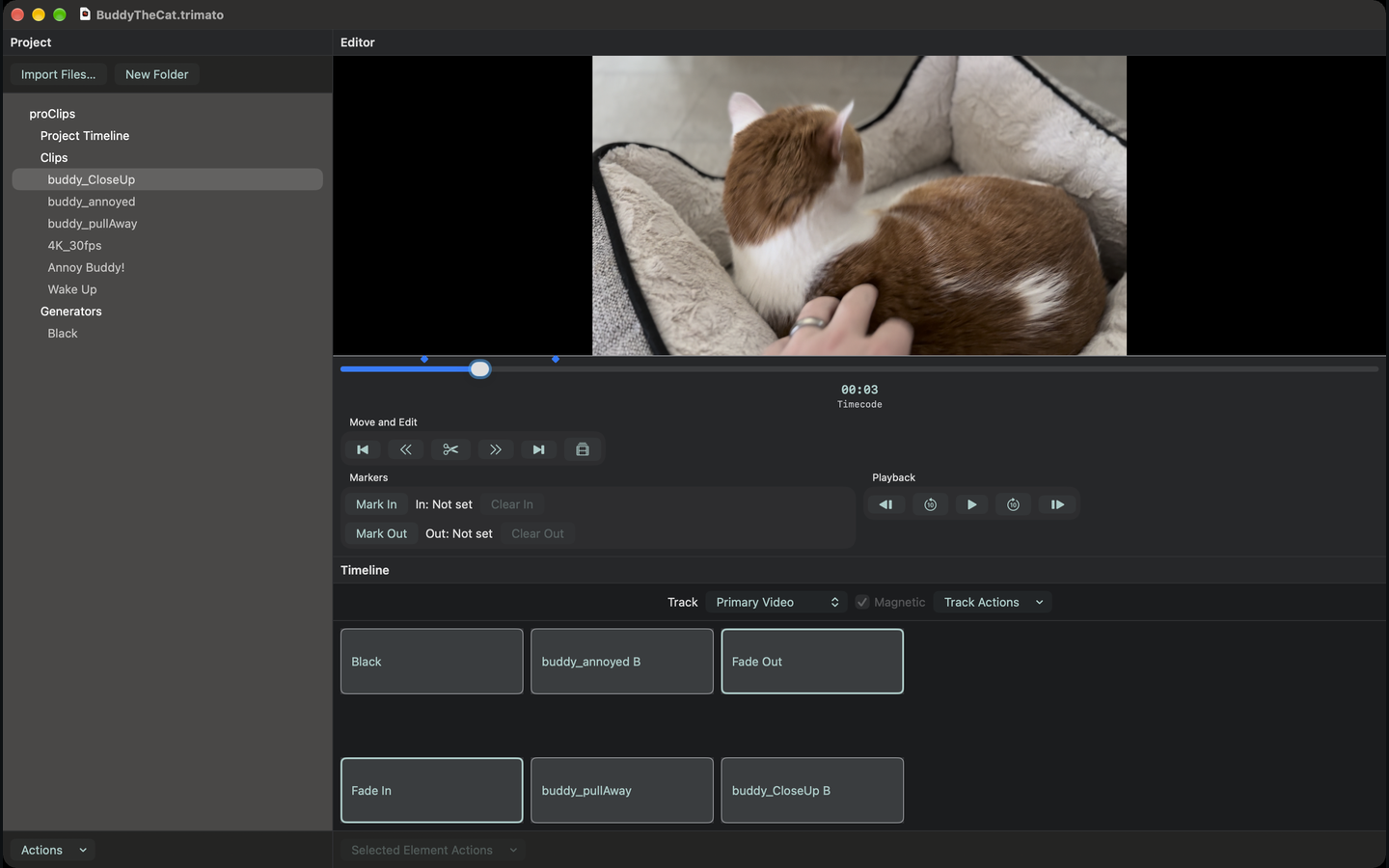
Work with landscape or portrait video in adjustable panes, with scalable interface text and extensive keyboard controls.
Precise editing
Trim clips in the Video and Audio Cutting Boards, arrange multiple tracks, and make precise edits with frame-by-frame navigation. Automatically find and shorten silent pauses in audio and video clips.
Effects, transitions, and titles
Adjust color and image filters, connect clips with video and audio transitions, and create titles, lower thirds, and backgrounds.
Captions, audio description, and narration
Captioner
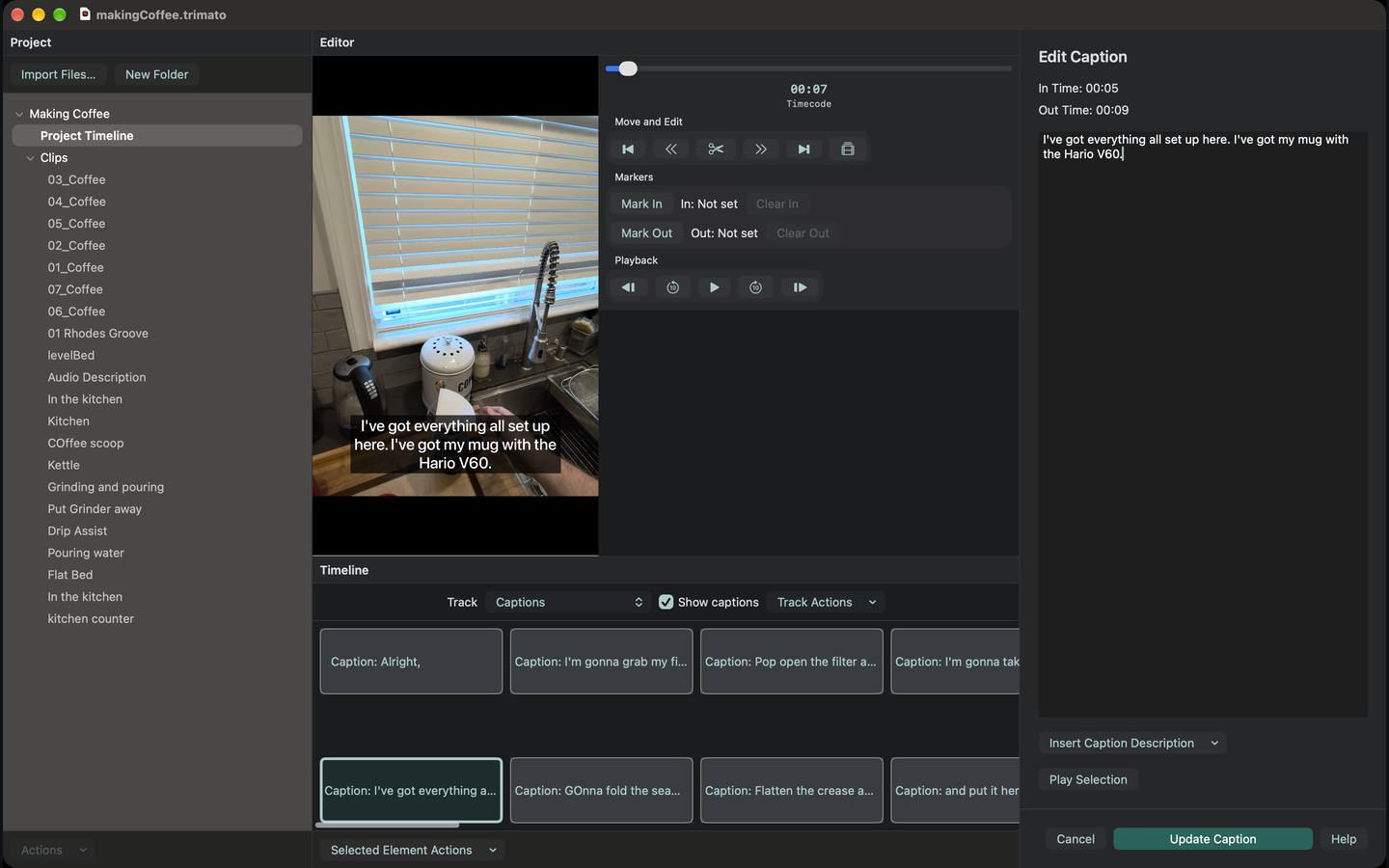
Write and time captions, or import existing caption files.
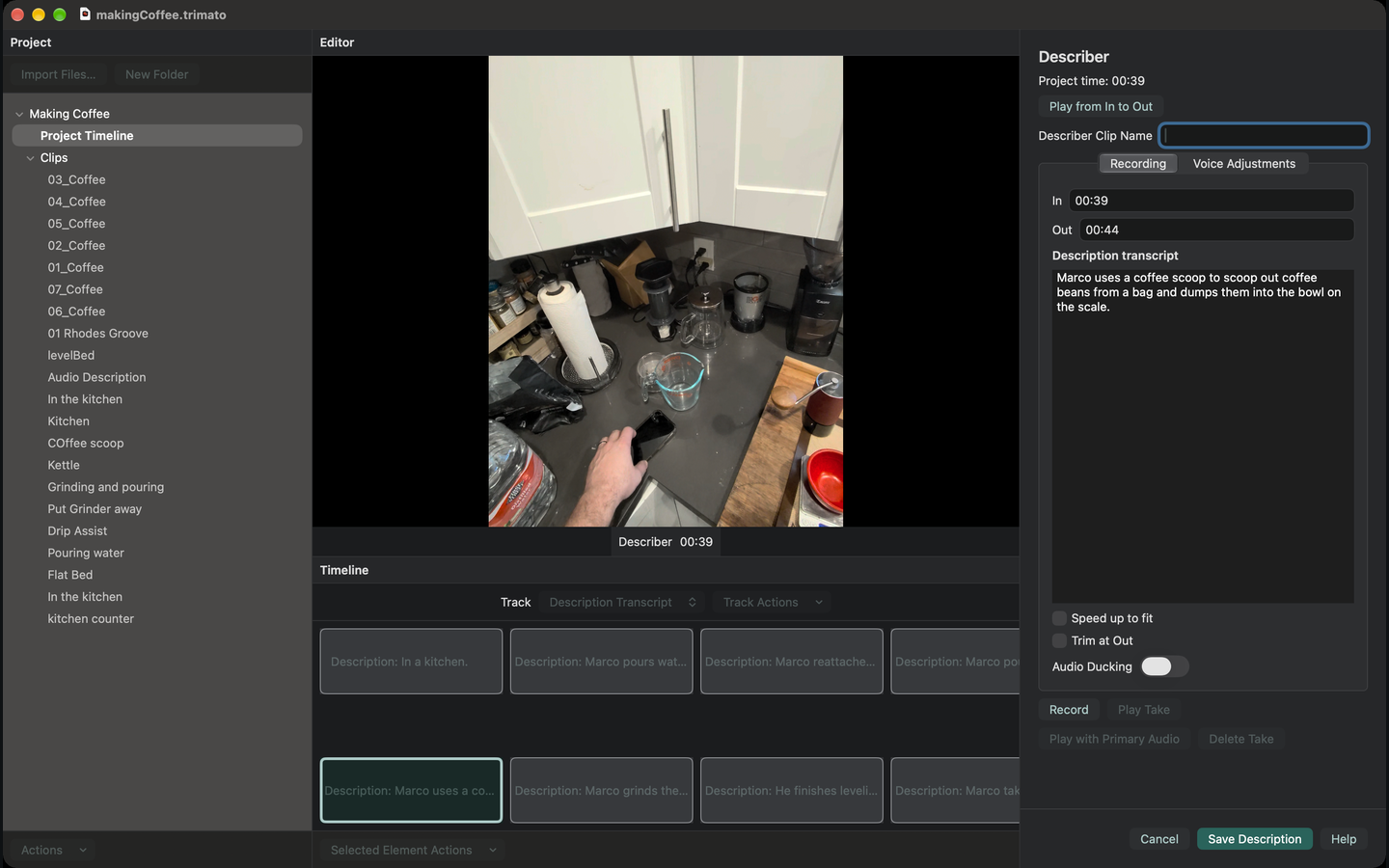
Describer
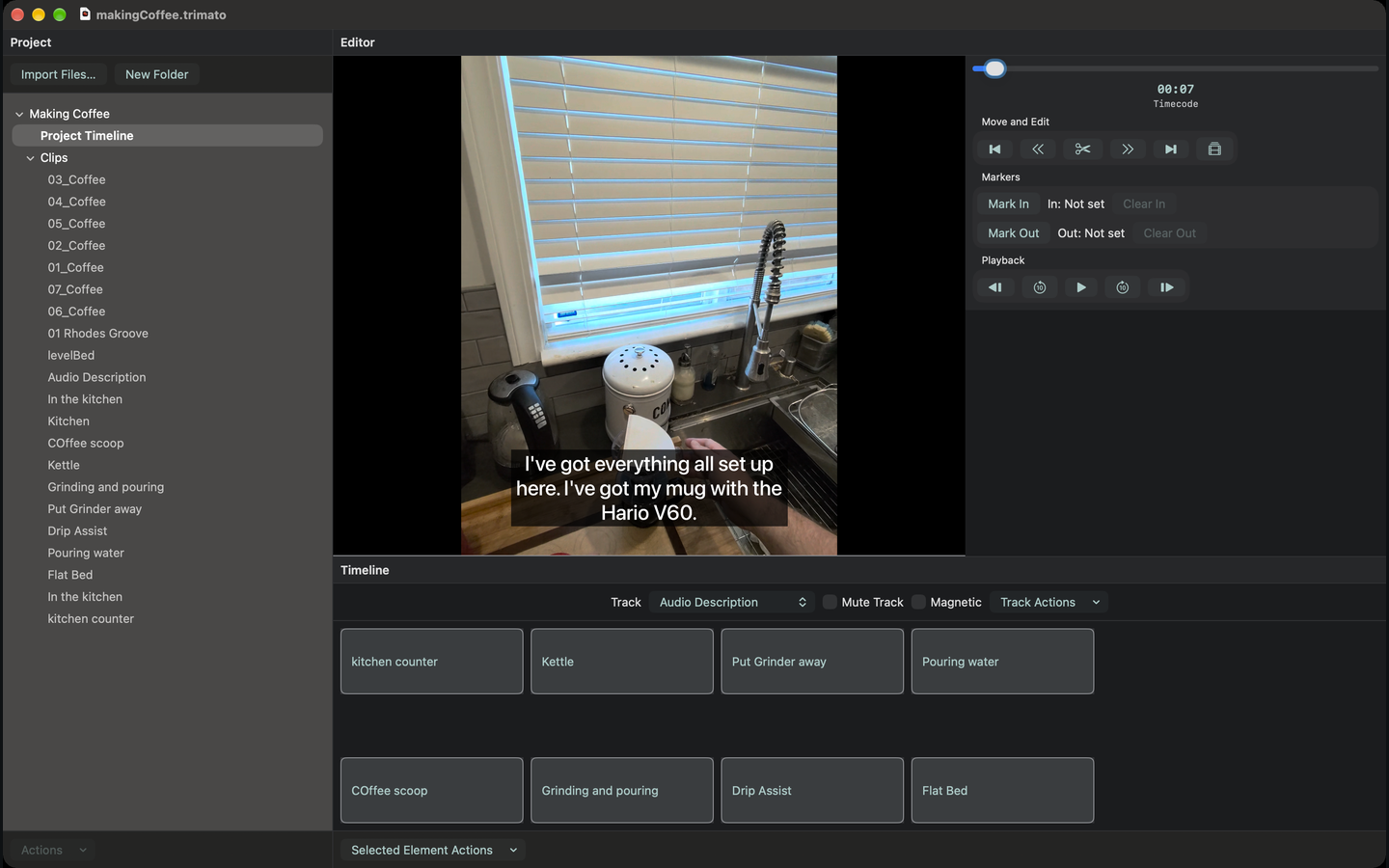
Record audio description and create a timed description transcript.
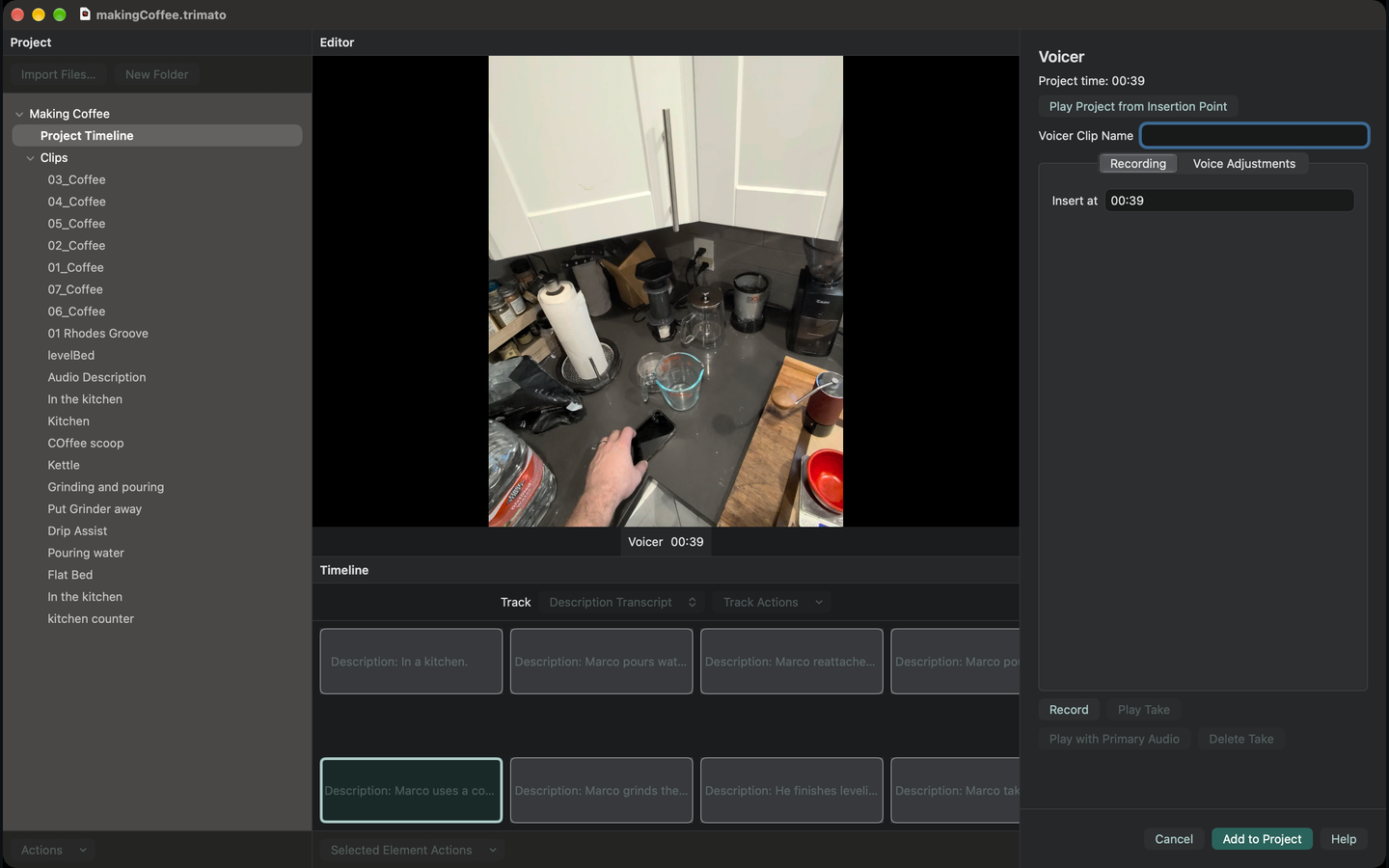
Voicer
Record narration directly in your project.
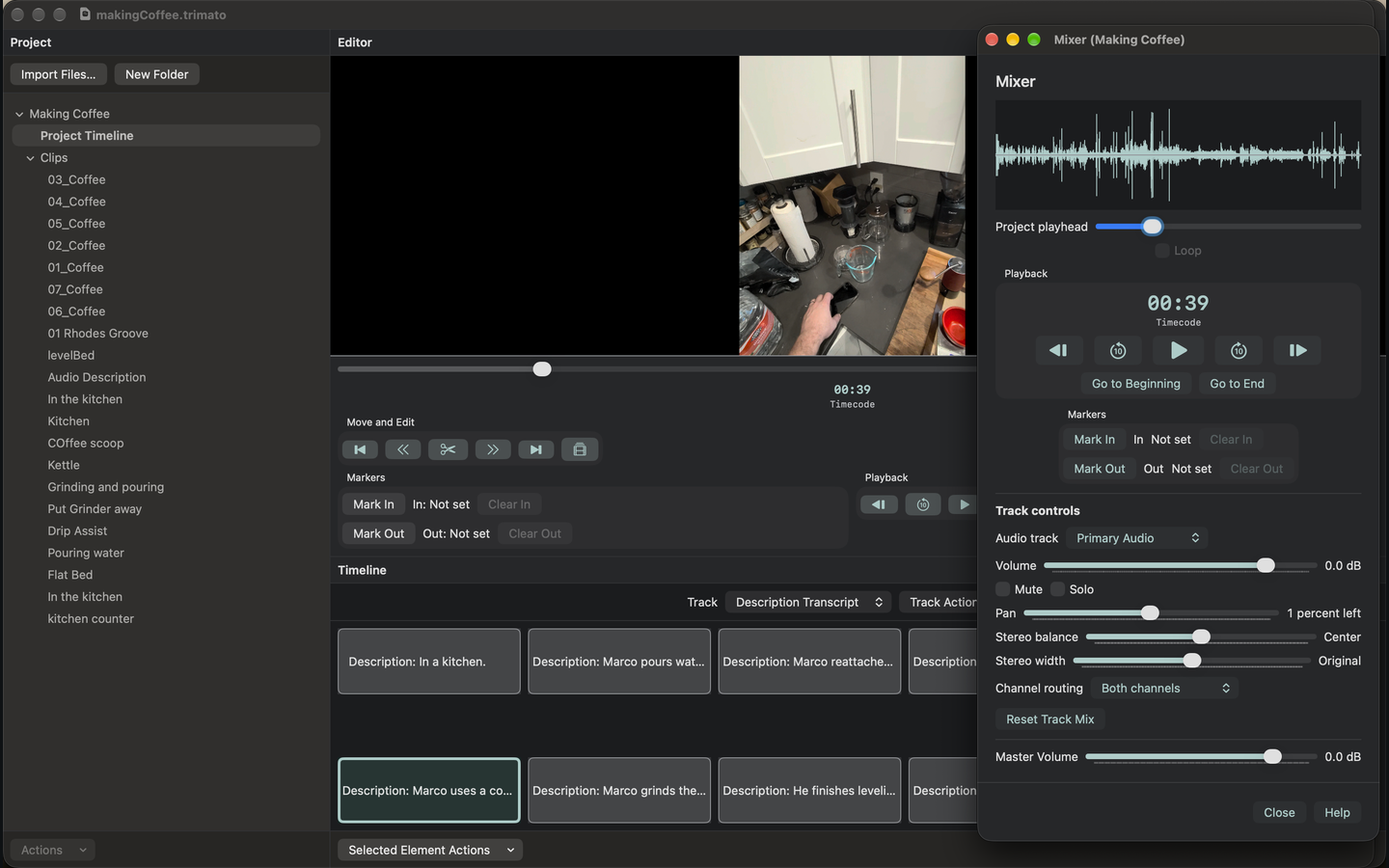
Audio editing and mixing
Balance dialogue, music, and effects with Mixer. Adjust sound with equalization, reverb, echo, and noise reduction. Use voice leveling and audio ducking for clearer narration.
Work on audio-only projects or video soundtracks, with support for lossless audio and compatible iPhone Spatial Audio recordings.
Ready to share
Export a clip or your finished project in popular video and audio formats, with support for 4K, high frame rates, and HDR. Include captions, save separate caption files, and export chapter timestamps for YouTube.
Screenshots
Support
For help or feedback, email marco@marconius.com.
You can also report bugs or request features through Trimato Issues on GitHub.
Trimato works locally on your Mac, with no accounts, advertising, analytics, or tracking.
Read the complete Trimato privacy policy.