Audio and video editing for iPhone and iPad
Trimatillo
Fresh cuts. Wherever you create.
Shape a clip or build a complete movie. Add captions, audio description, narration, and titles with precise editing at your fingertips.
Direct Touch, VoiceOver, and keyboard commands bring the editing tools within reach.
For iPhone and iPad running iOS or iPadOS 18.6 or later.
Explore Trimatillo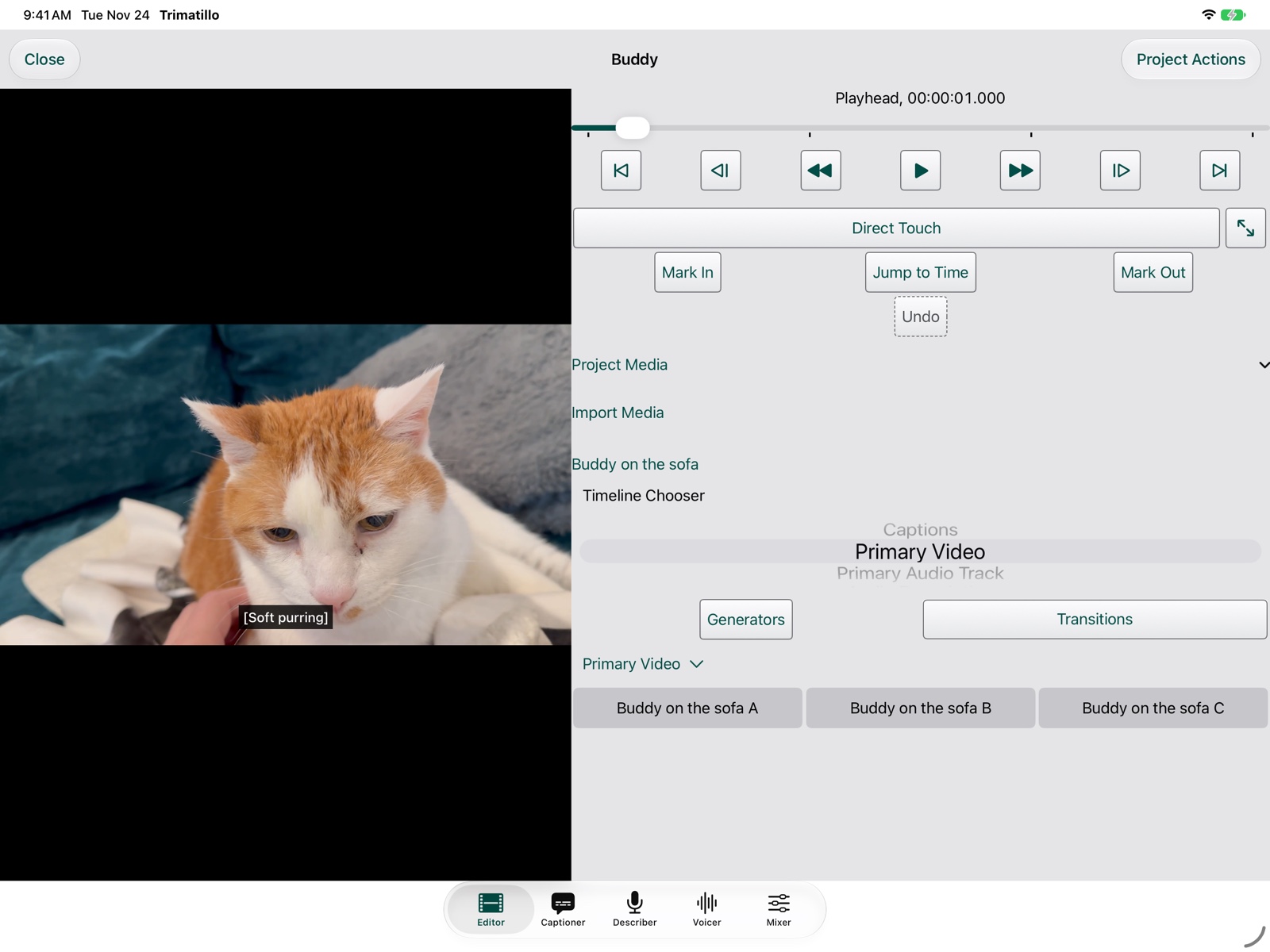
Precise editing
Find the moment. Make the cut. Keep creating.
Cutting Boards
Trim video or audio, move frame by frame, and cut unwanted sections. View audio as a waveform, or use Trim Silences to find and shorten pauses.
Direct Touch and keyboard editing
Scrub, mark, trim, and move between edits with gestures in the Direct Touch Editor. Use familiar keyboard commands for playback, markers, and precise cuts.
Projects and tracks
Arrange clips across video and audio tracks. Build cutaways, move groups of clips, and switch between timelines while keeping your place in the project.
Give every story its voice
Captioner
Write and time captions, adjust them for reading speed, and include them in your video or export a separate caption file.
Describer
Record audio description or write a timed descriptive transcript. Fit recordings to the scene and lower the soundtrack beneath the description.
Voicer
Record narration while watching your project. Choose whether to hear the source audio during recording, then place your take on the timeline.
Titles and transitions
Create titles, lower thirds, subtitles, colors, and gradients. Layer generated clips over your footage and connect scenes with fades, cross dissolves, and other transitions.
Shape the sound
Balance your tracks in Mixer with volume, stereo positioning, Mute, and Solo. Even out clip levels and preview track effects as you work.
Ready to share
Import from Photos or Files and export your finished work to either. Keep supported HDR video, add open captions, or export captions and transcripts separately.
Supported spatial-audio exports are available on iOS 26 or later.
Inside Trimatillo
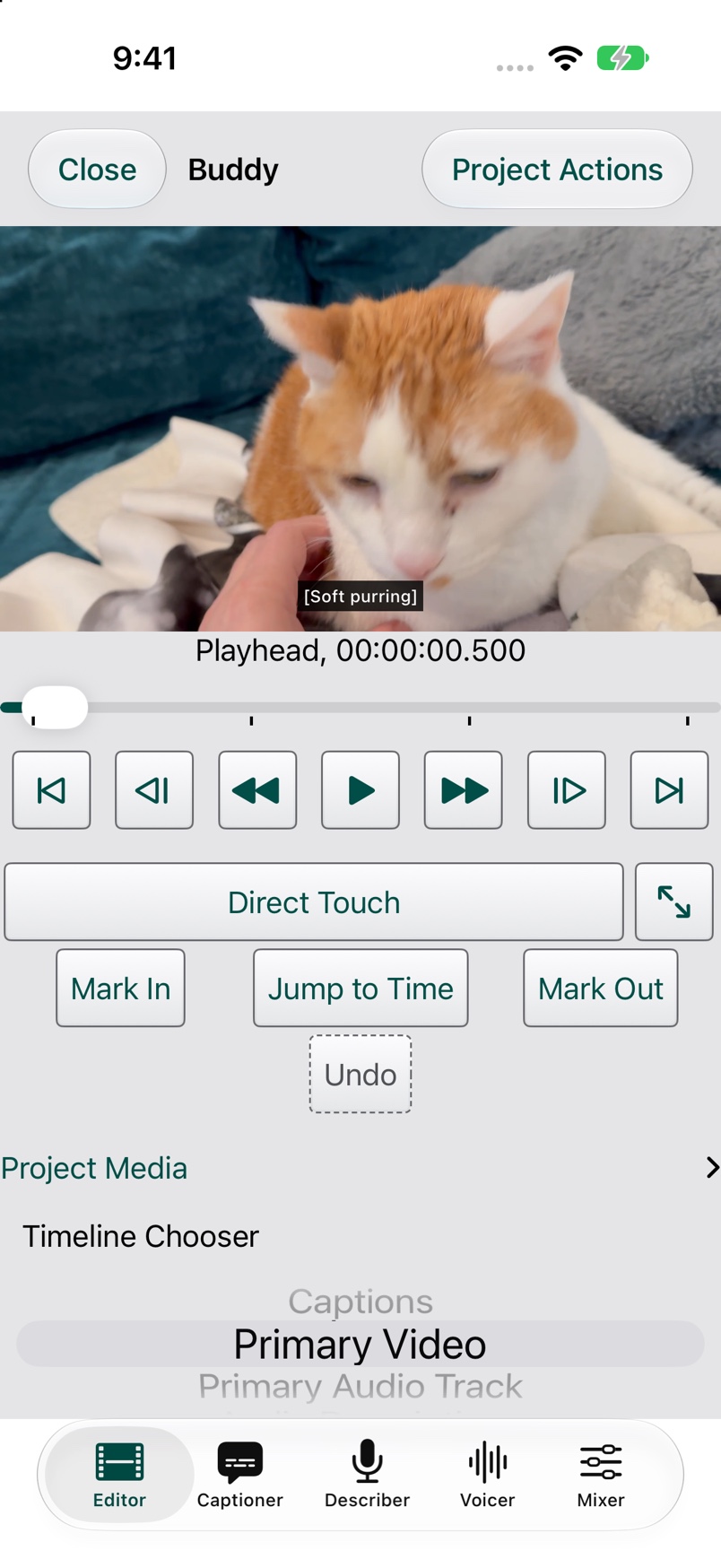
Project Editor
Build your story across tracks.
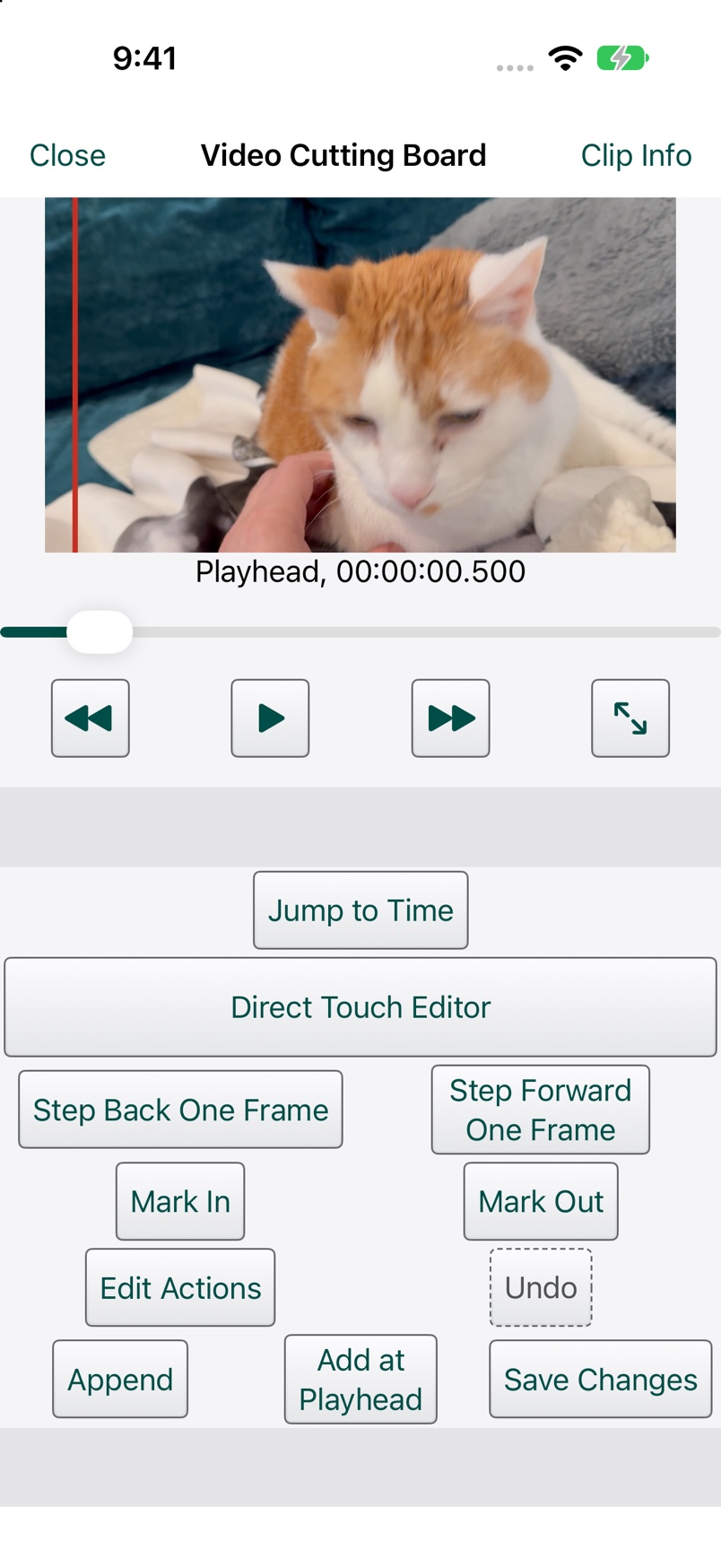
Video Cutting Board
Find the moment and make the cut.
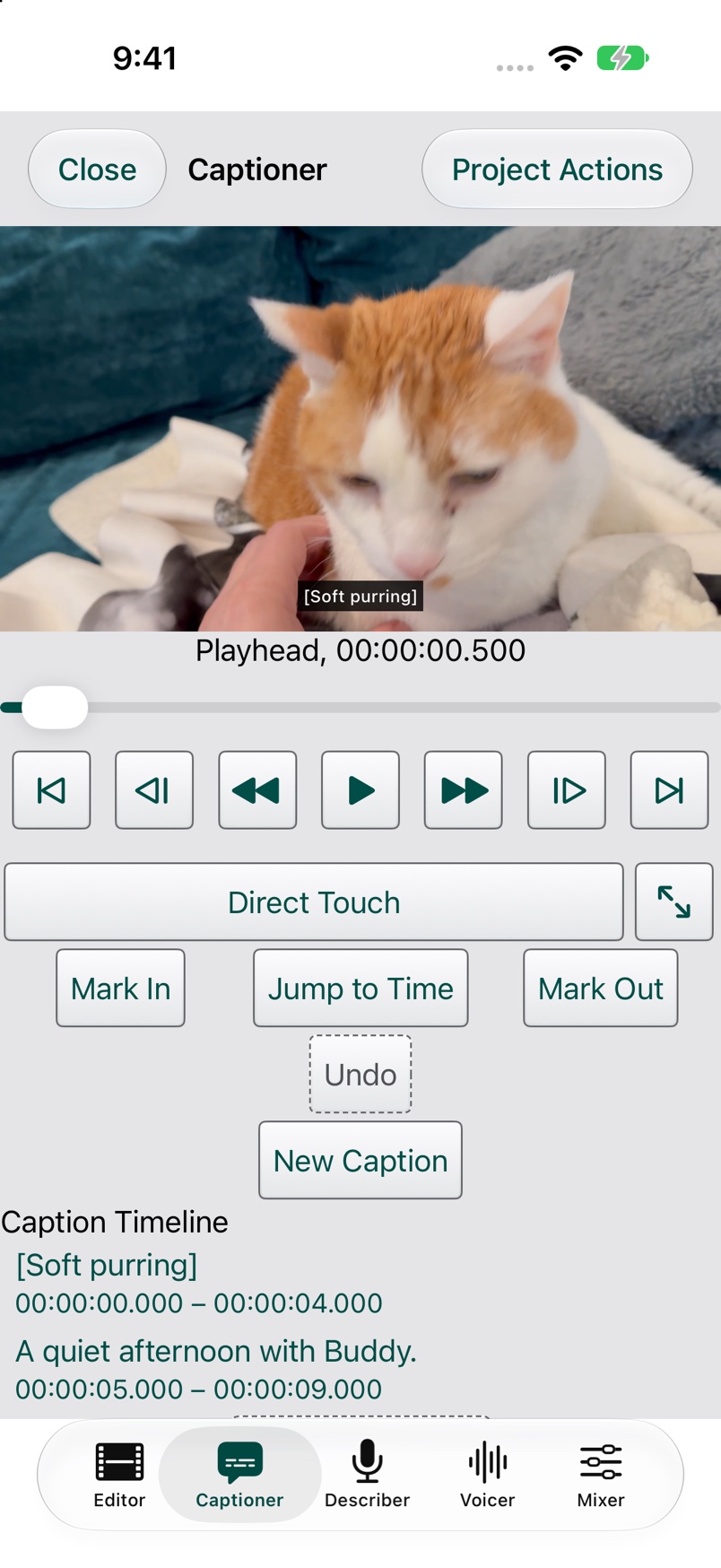
Captioner
Put words in time with your video.
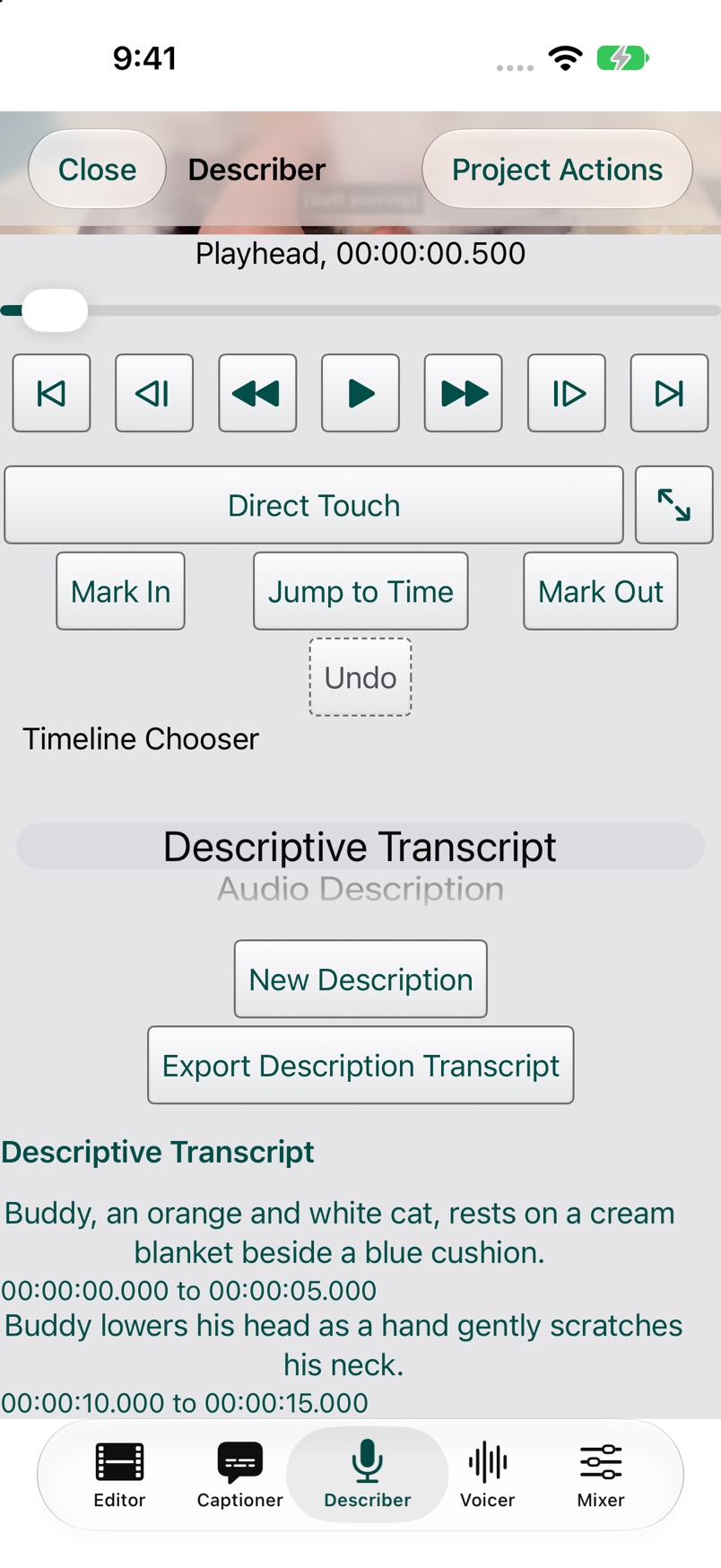
Describer
Describe what makes the scene.
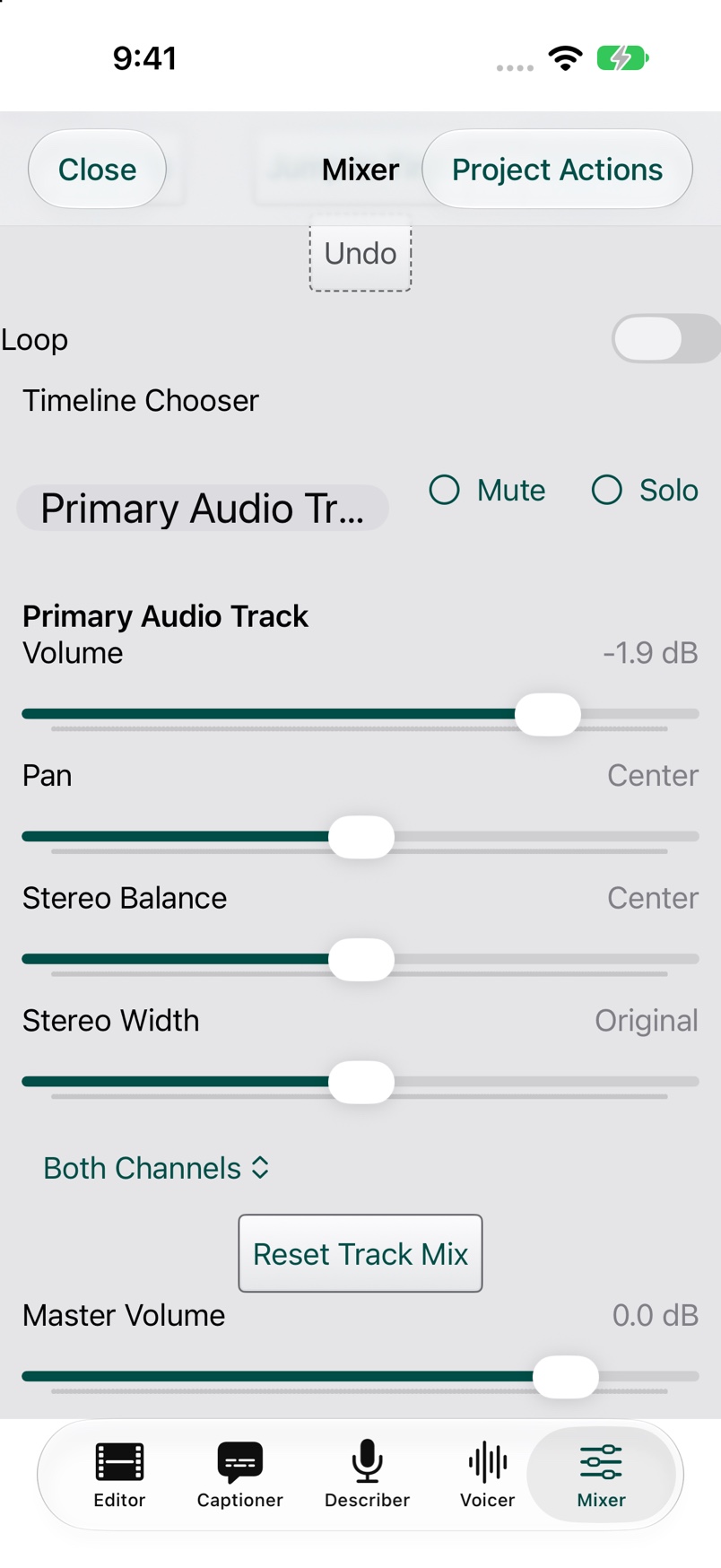
Mixer
Bring your soundtrack into balance.
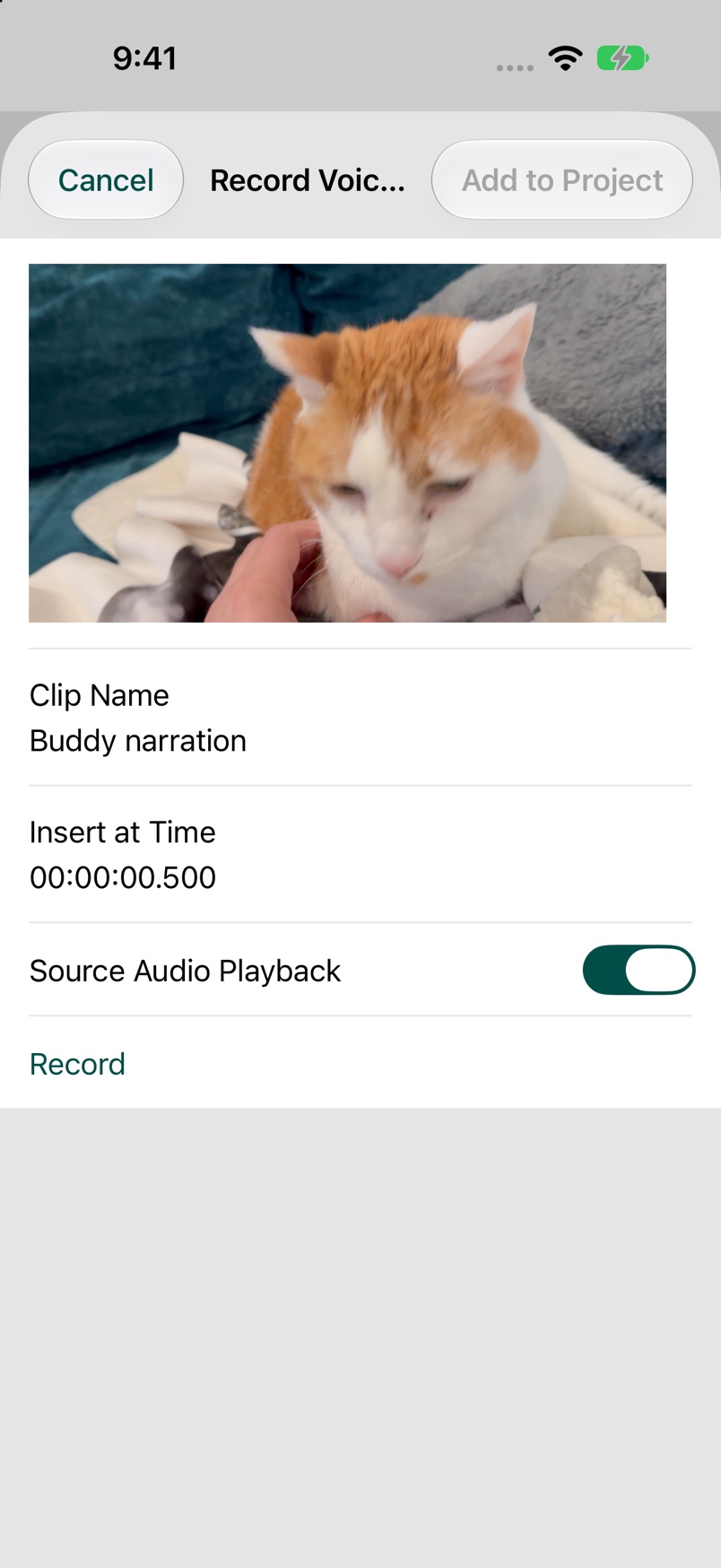
Voicer
Add narration to your project.
Your media, your device
Trimatillo processes your edits on your device, with no accounts, advertising, or app-added tracking.