
ghostWriter Markdown for iPhone and iPad
ghostWriter Markdown is an accessibility-first writing app for iPhone and iPad, created by a blind developer. Write with VoiceOver, braille input, dictation, or a hardware keyboard. Organize chapters and compile your work into a finished document.
For iPhone and iPad, running iOS or iPadOS 17.6 or later.
Accessibility
The native editor supports text selection and editing with VoiceOver, braille input, and dictation. Navigate headings through Outline or optional VoiceOver heading-swipe gestures. Use VoiceOver Actions to manage Library files and folders.
Dynamic Type supports accessibility text sizes. Choose from four editor typefaces and light, dark, or system appearance. Voice Control and Switch Control are supported, with hardware keyboard shortcuts for writing and navigation.
Writing and publishing
Compile a manuscript
Combine documents from nested folders into one export. Select the files to include, arrange chapters, and control heading structure. Word and PDF compilations can start each document on a new page.
Write and navigate
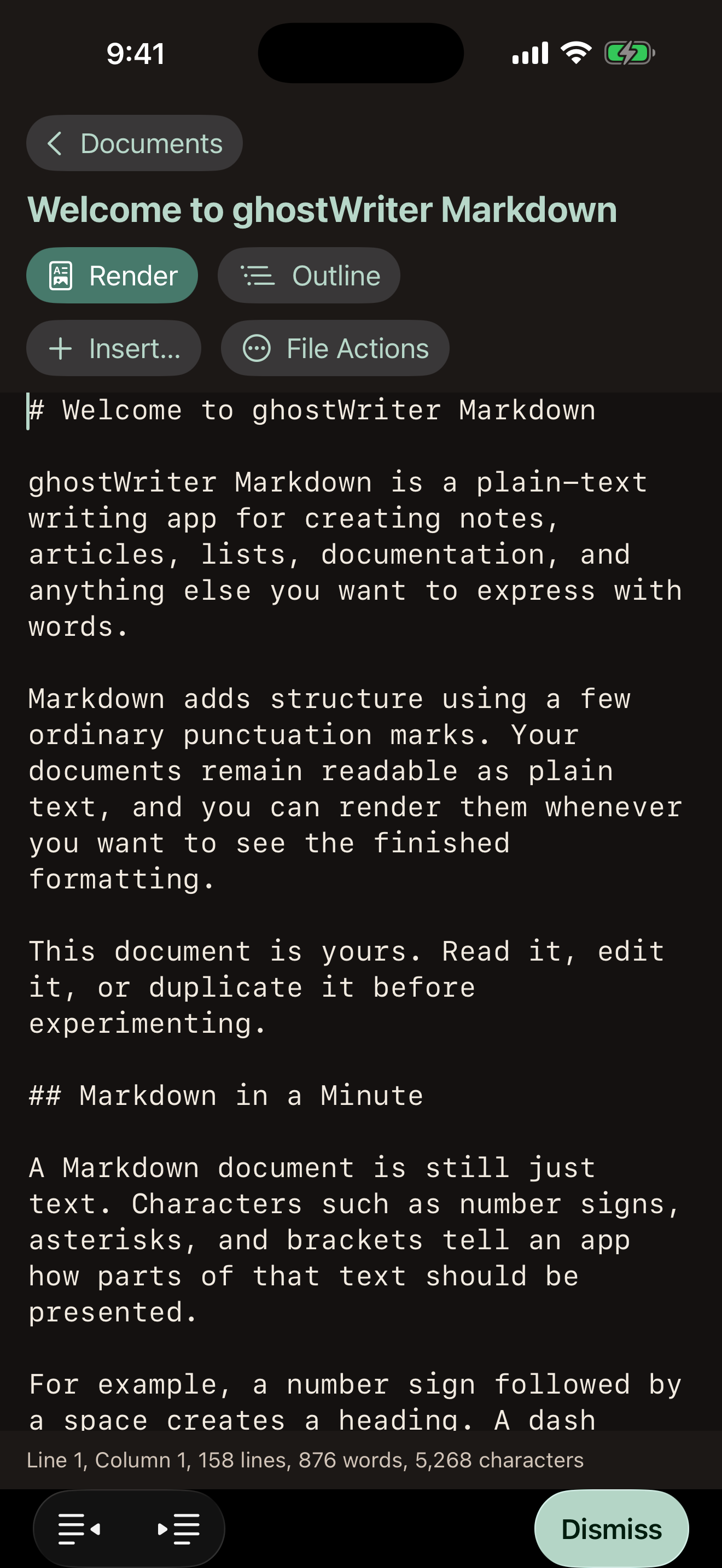
Edit Markdown with Find and Replace, automatic lists, and insertion tools for headings, links, images, tables, and code. Jump to headings or line numbers and preview the formatted document as HTML.
Organize your project
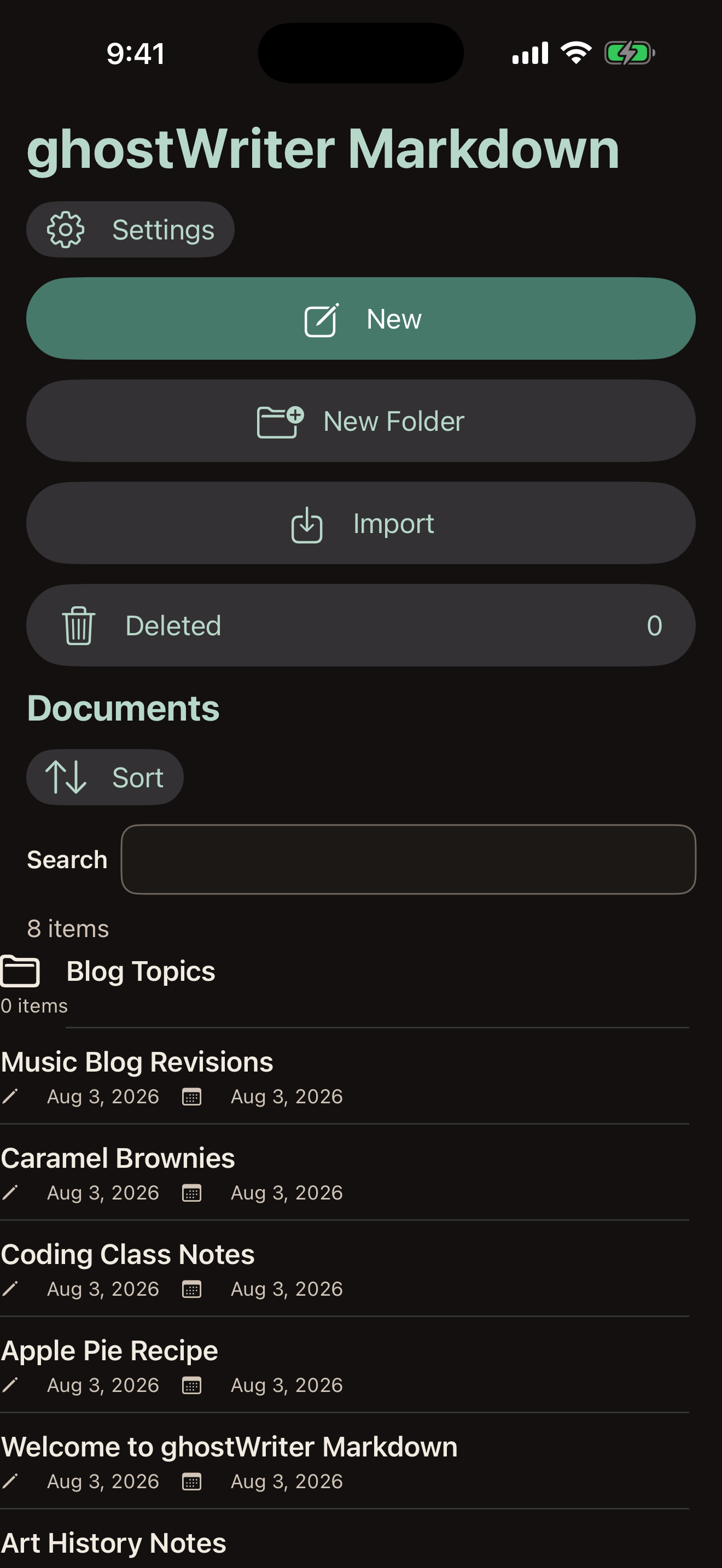
Arrange files and folders in manual order, search names and contents, and pin frequently used documents. Keep research alongside your chapters while excluding it from compilations.
Measure your writing
Check word, sentence, and character counts for individual documents or entire folders. Folder totals respect compilation exclusions. The editor’s configurable Status Bar shows document statistics and cursor position.
Import documents
Bring Markdown and plain text files into your Library. Convert Word documents and PowerPoint presentations into Markdown, including supported headings, lists, tables, links, images, and image descriptions.
Export your work
Export individual documents or compilations as Markdown, plain text, HTML, Word, PDF, EPUB, PowerPoint, eBraille, or BRF.
Customize Word formatting with JSON stylesheets. Create PowerPoint presentations with themes and speaker notes. Braille output supports grade 1 and grade 2 Unified English Braille in reflowable publications or fixed-layout pages.
Your files
Your documents are ordinary Markdown files available in the Files app. Store them on your device or sync through your own iCloud Drive. Other text editors can open the same files.
Writing saves automatically. Deleted files and folders can be restored from Recently Deleted.
Help and support
The Markdown Reference provides syntax examples. The bundled ghostWriter Help Manual covers writing, organizing, and exporting.
For help or to report a problem, email marco@marconius.com, use Send Feedback in Settings, or submit an issue on GitHub.
No accounts, advertising, analytics, tracking, or AI tools. You choose when to share your documents.
Web images use the addresses you provide. Read the Privacy Policy.