Cafe Measurer
Connect a compatible kitchen scale and hear measurements while brewing coffee, weighing ingredients, or following a recipe.
For iPhone and iPad, running iOS or iPadOS 18.0 or later.

Features
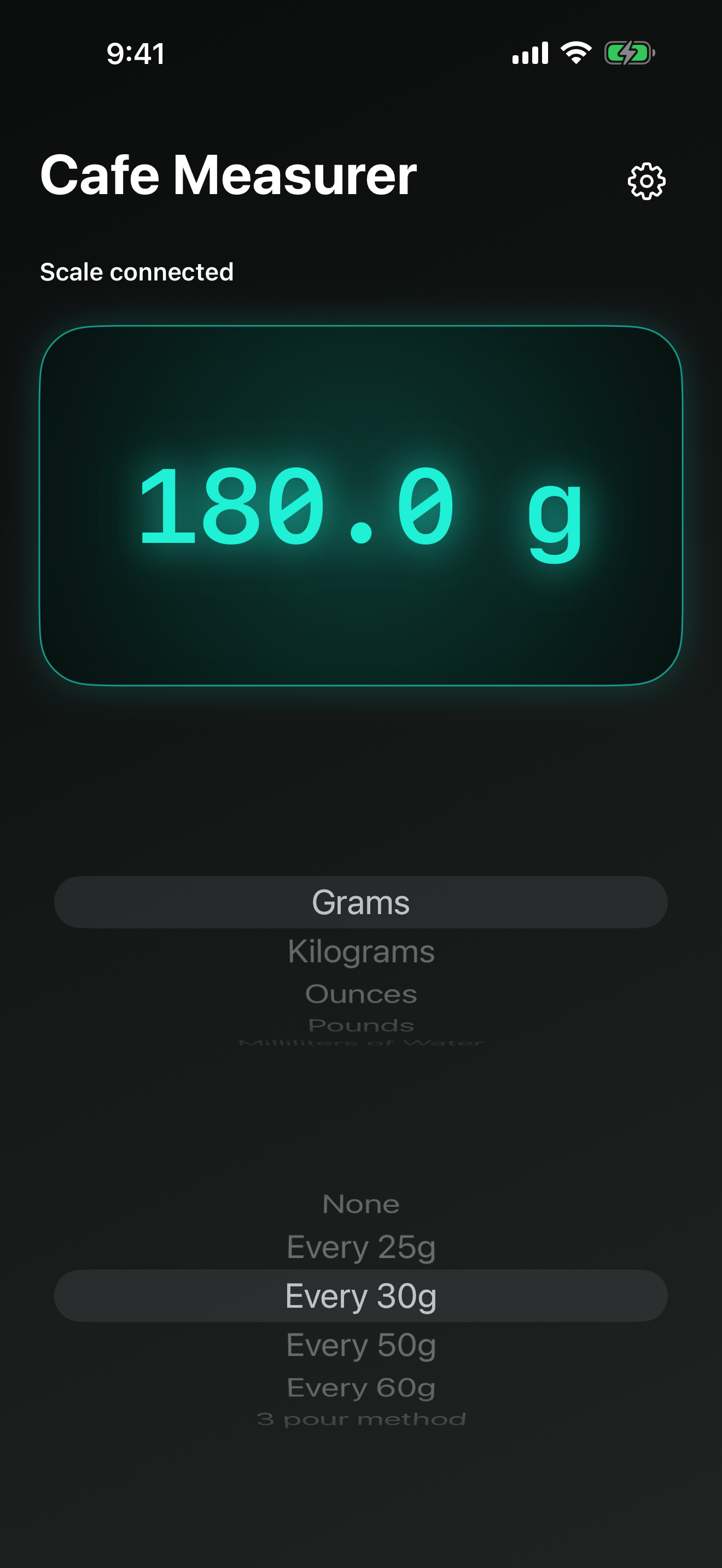
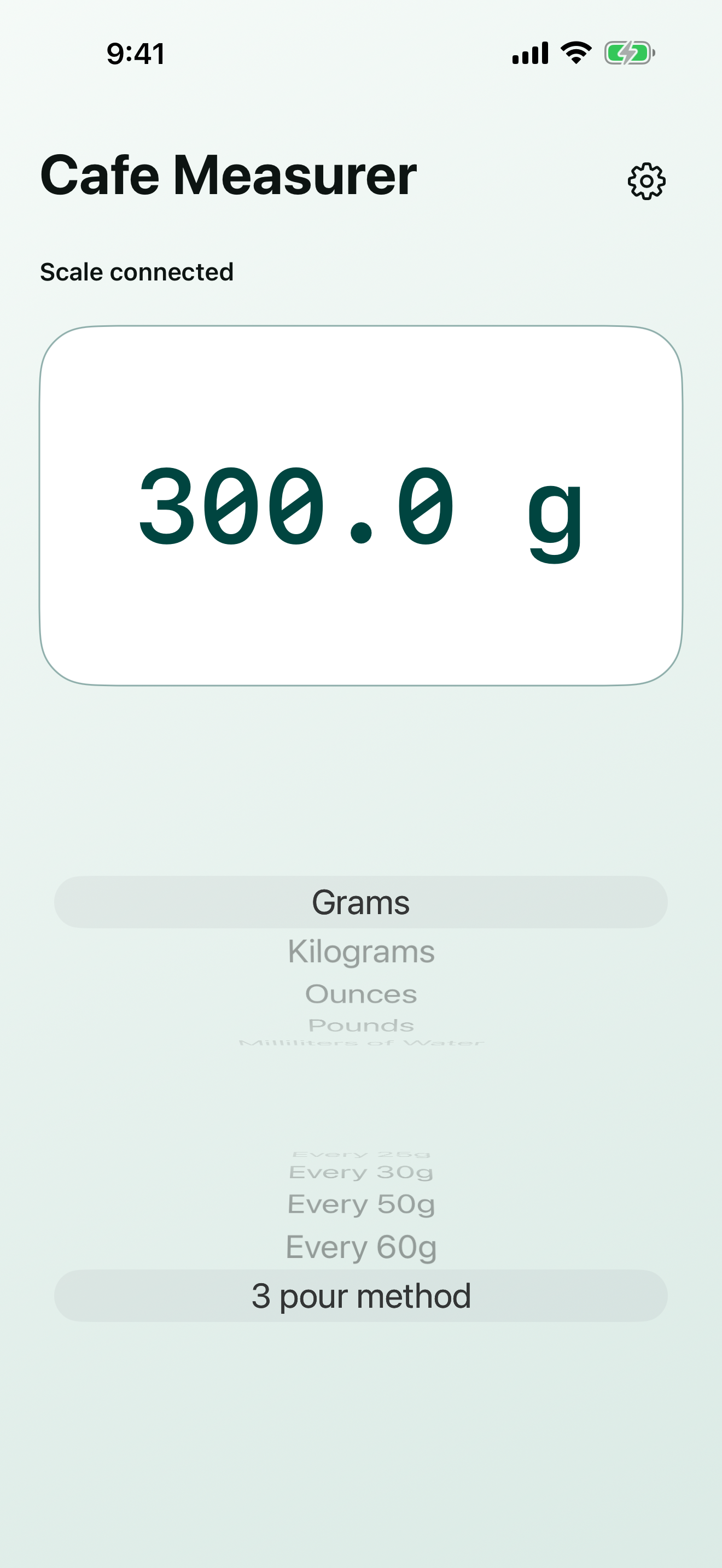
Cafe Measurer keeps the live weight, measurement unit, and optional coffee-pour intervals together on one screen.
Live scale readings
Cafe Measurer discovers compatible Reflex RX402b scale broadcasts and displays each received measurement without requiring a separate connection button.
Settled weight
Hear the measurement when the scale reports that the weight has settled.
Tare feedback
Hear a concise update when the physical scale is tared back to zero.
Persistent choices
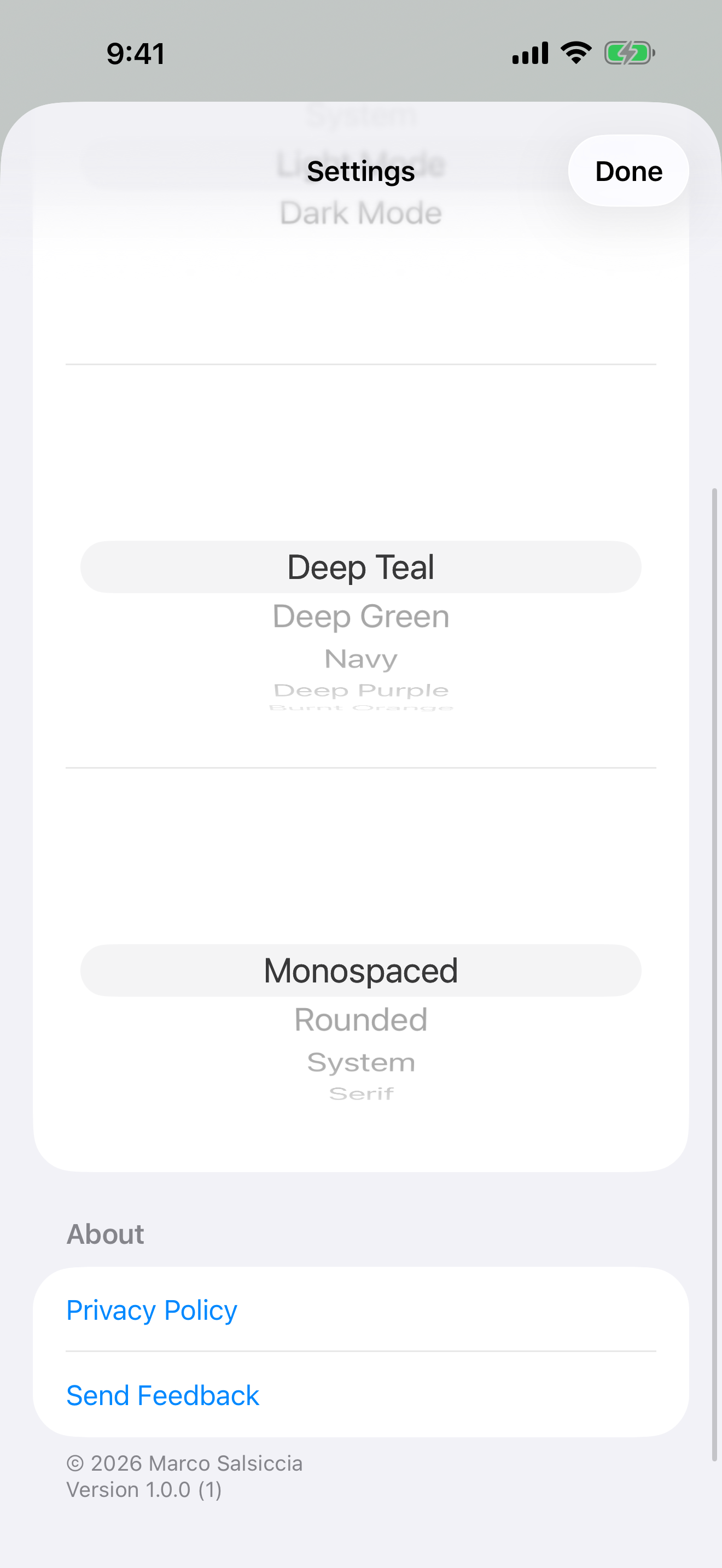
Your selected unit, interval method, appearance, number color, and number font remain selected between sessions.
iPhone and iPad
Use the same focused interface in portrait or landscape orientation on iPhone and iPad.
Coffee
Select an optional interval method before beginning a pour. Cafe Measurer plays rising musical tones as the live weight reaches each target.
Fixed choices mark every 25, 30, 50, or 60 grams. The 3 pour method marks a 40-gram bloom, 180 grams for the second pour, and 300 grams for the final pour.
Measurements
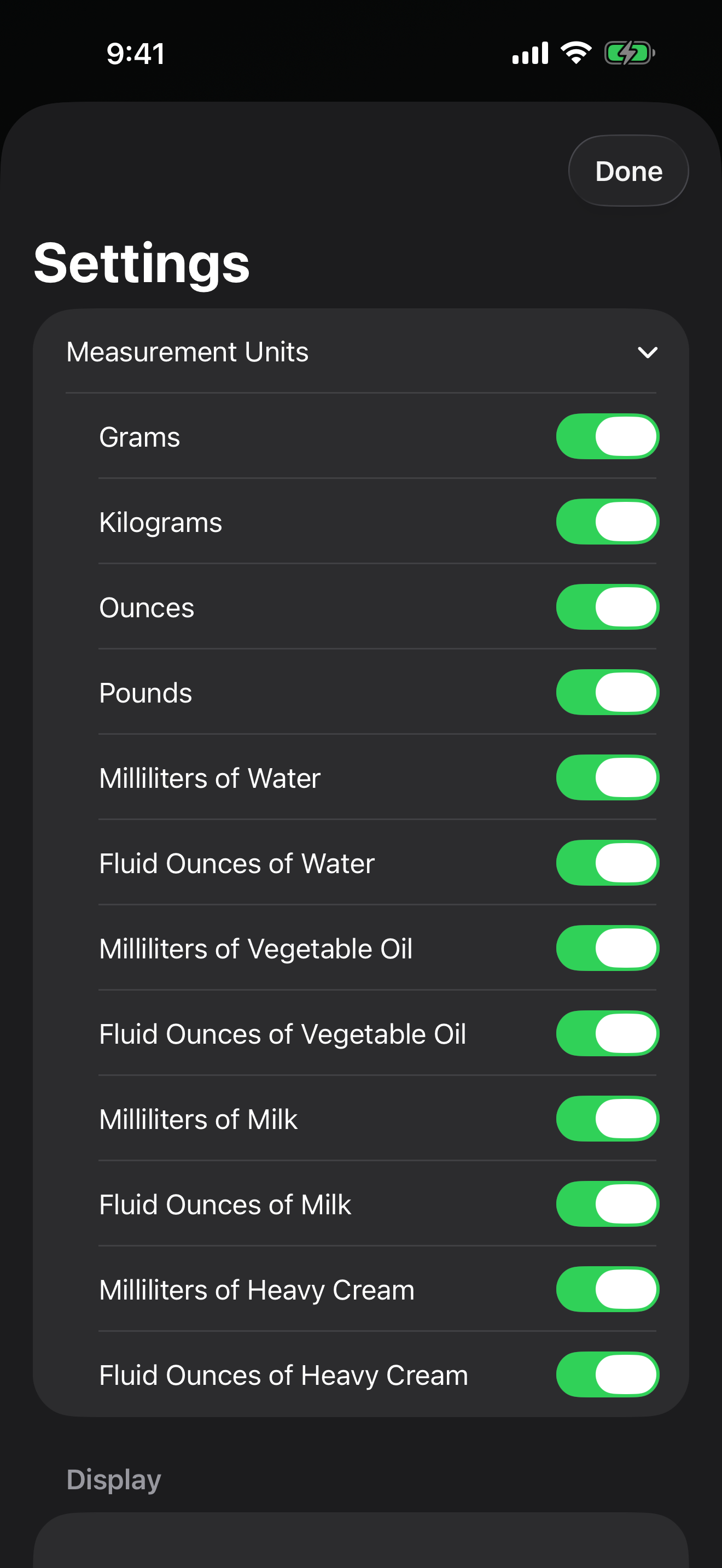
Choose grams, kilograms, ounces, or pounds. Ingredient-aware options convert weight to milliliters or fluid ounces for water, vegetable oil, milk, and heavy cream.
Settings lets you decide which units appear in the main-screen picker while always keeping at least one unit available.
Accessibility
Cafe Measurer uses native controls for unit selection, pour intervals, settings, appearance, colors, fonts, and feedback. The main measurement has a direct spoken value instead of requiring VoiceOver to interpret abbreviated units.
VoiceOver receives deliberate updates as weight changes and a high-priority update when the scale is tared. Optional tones provide immediate nonverbal markers during a pour.
The interface supports Dynamic Type and enlarged accessibility text. Light and dark appearances provide high-contrast number colors, while System follows the active device appearance.
Screenshots
Live measurements and settings remain uncluttered so the current reading and essential controls stay easy to find.
Support
Use Send Feedback in Cafe Measurer Settings or email marco@marconius.com.
Privacy
Cafe Measurer has no accounts, advertising, analytics, or tracking. Scale measurements and preferences remain on your device.