Intersector
Find nearby intersections, check your direction, or turn on Live Mode to hear upcoming intersections as you walk or ride. Available on iPhone and iPad, with an Apple Watch companion app.
Download on the App StoreAvailable for iPhone, iPad, and Apple Watch.
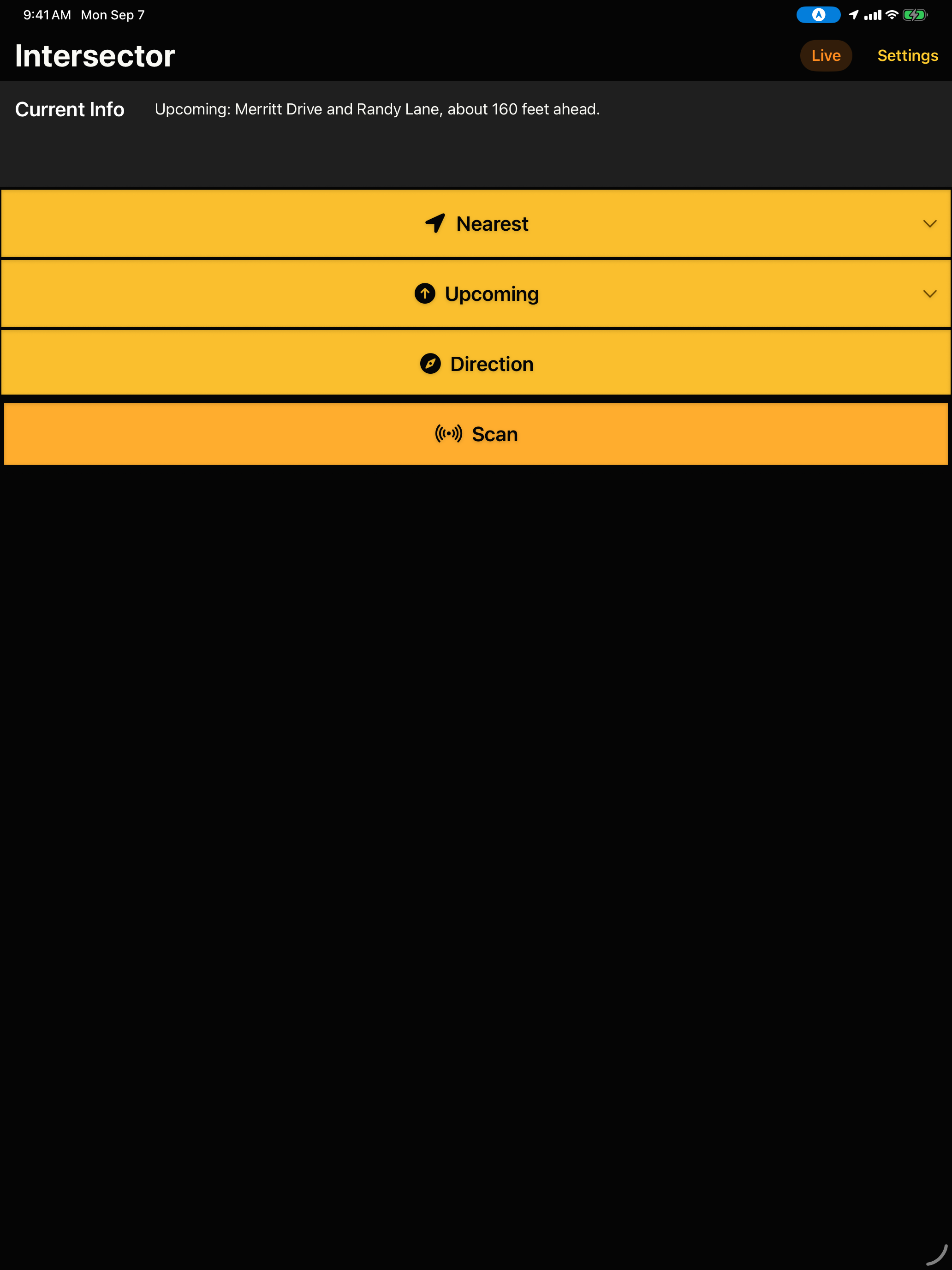
Built for quick orientation
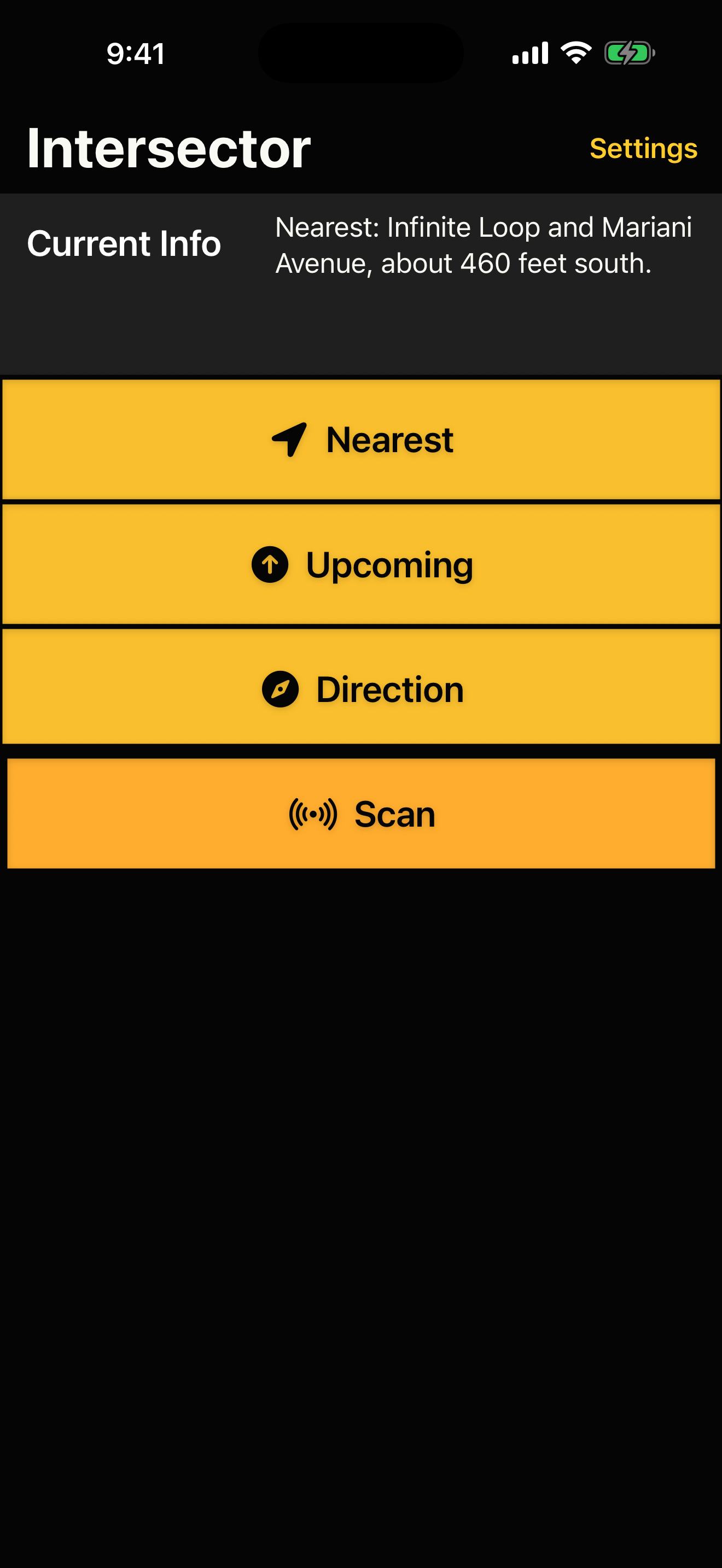
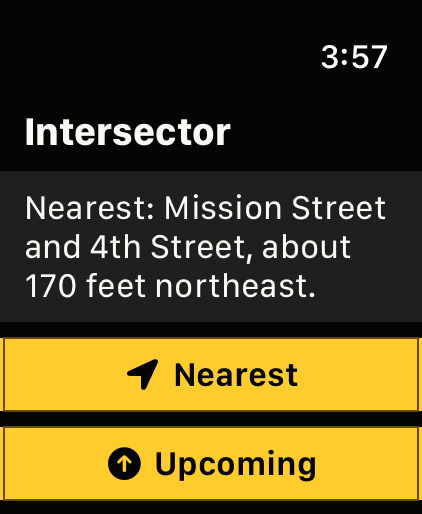
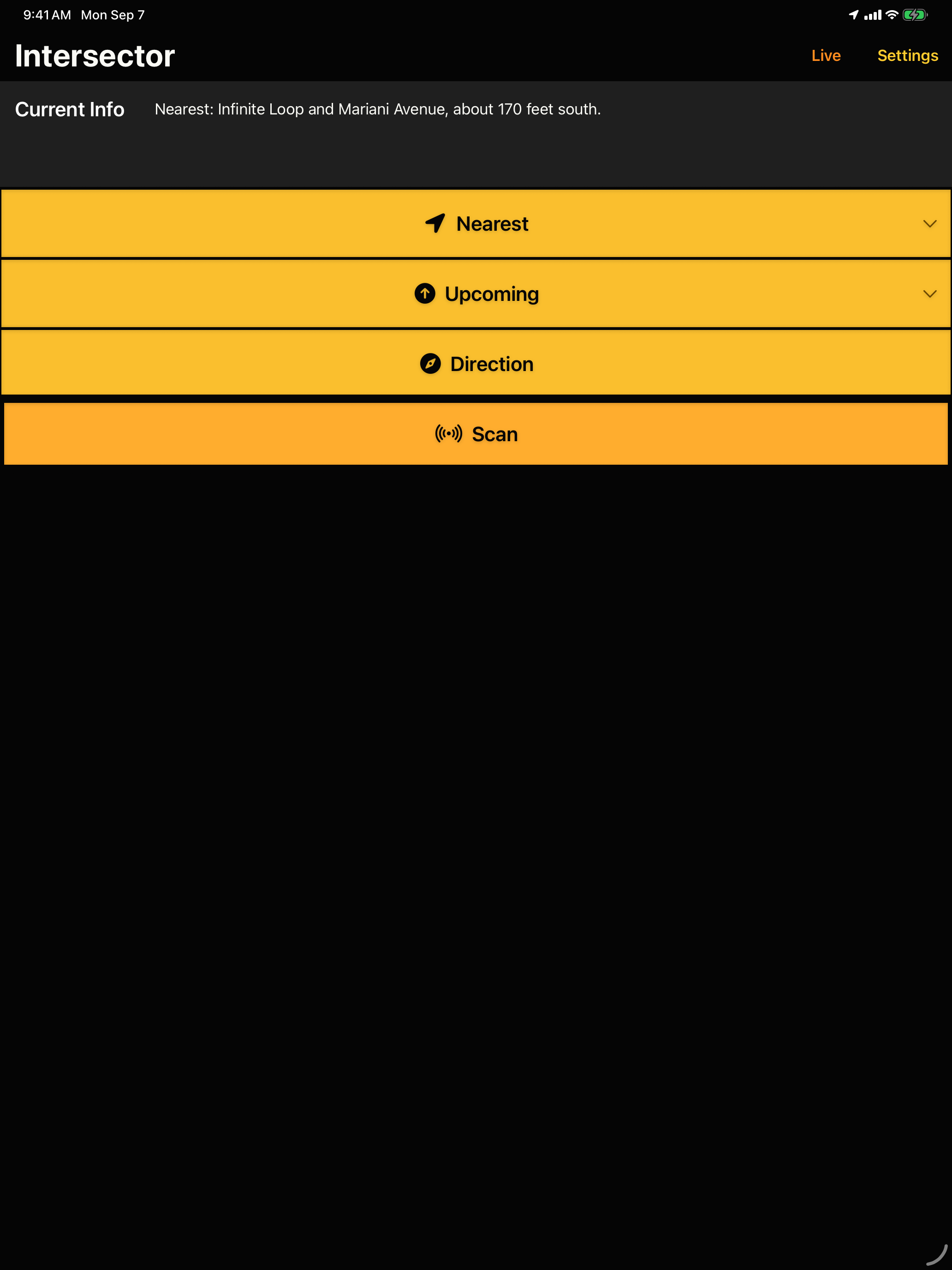
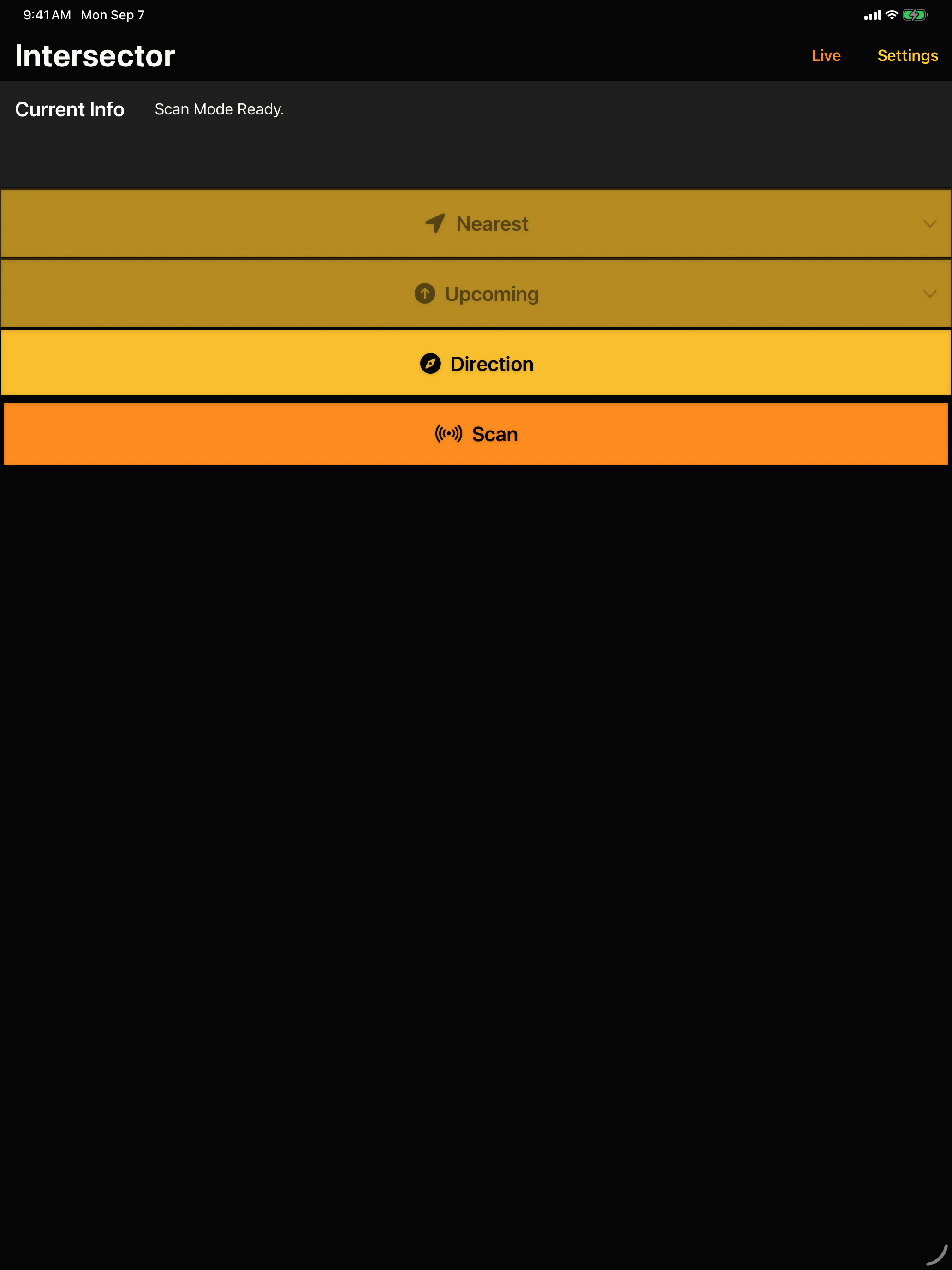
Intersector tells you about nearby mapped intersections and the direction you are facing. Find the information you need using the iPhone or iPad app, Apple Watch companion app, or Siri Shortcuts.
Nearest Intersection
Hear the closest mapped intersection to your current location, with options to hear the second and third closest intersections.
Upcoming Intersection
Use your current heading to hear the mapped intersection ahead, with options to hear the next two intersections after that.
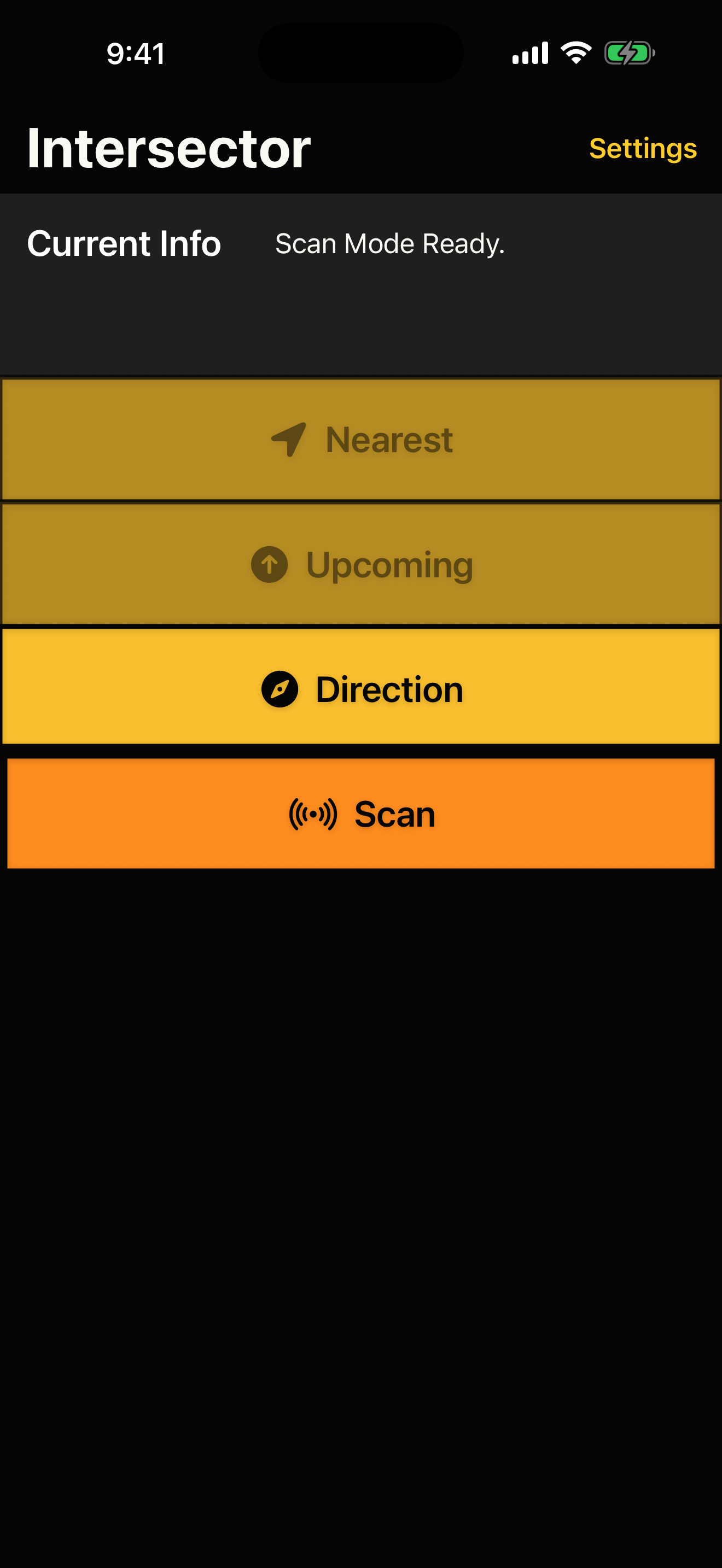
Scan Mode
Point the phone toward nearby mapped intersections in your immediate area and receive spoken and optional haptic feedback.
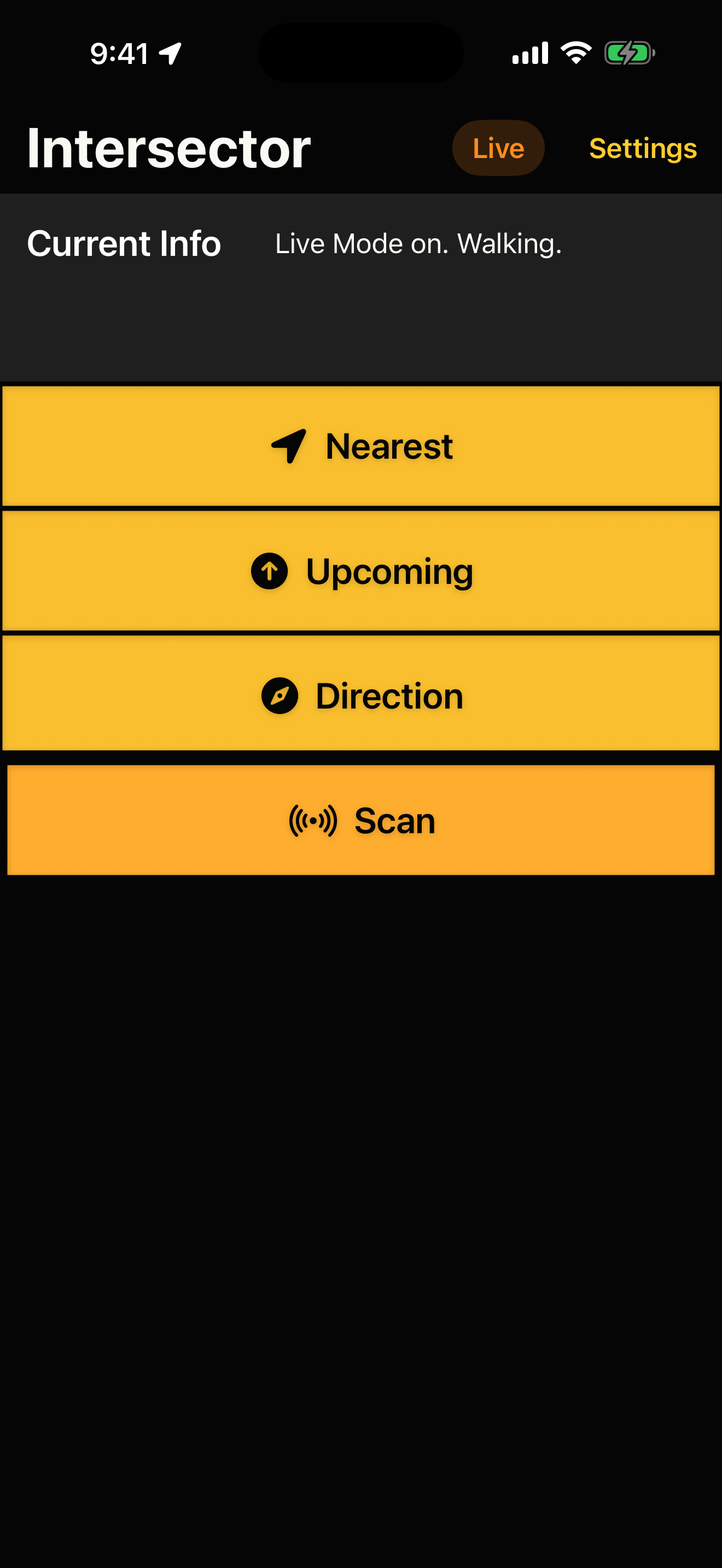
Live Mode
Hear upcoming intersections automatically as you travel. Choose Walking when on foot or Driving when riding in a car or bus.
My Direction
Hear the direction the device is facing, with wording that can follow standard compass language or Manhattan Snob Mode.
Custom Announcements
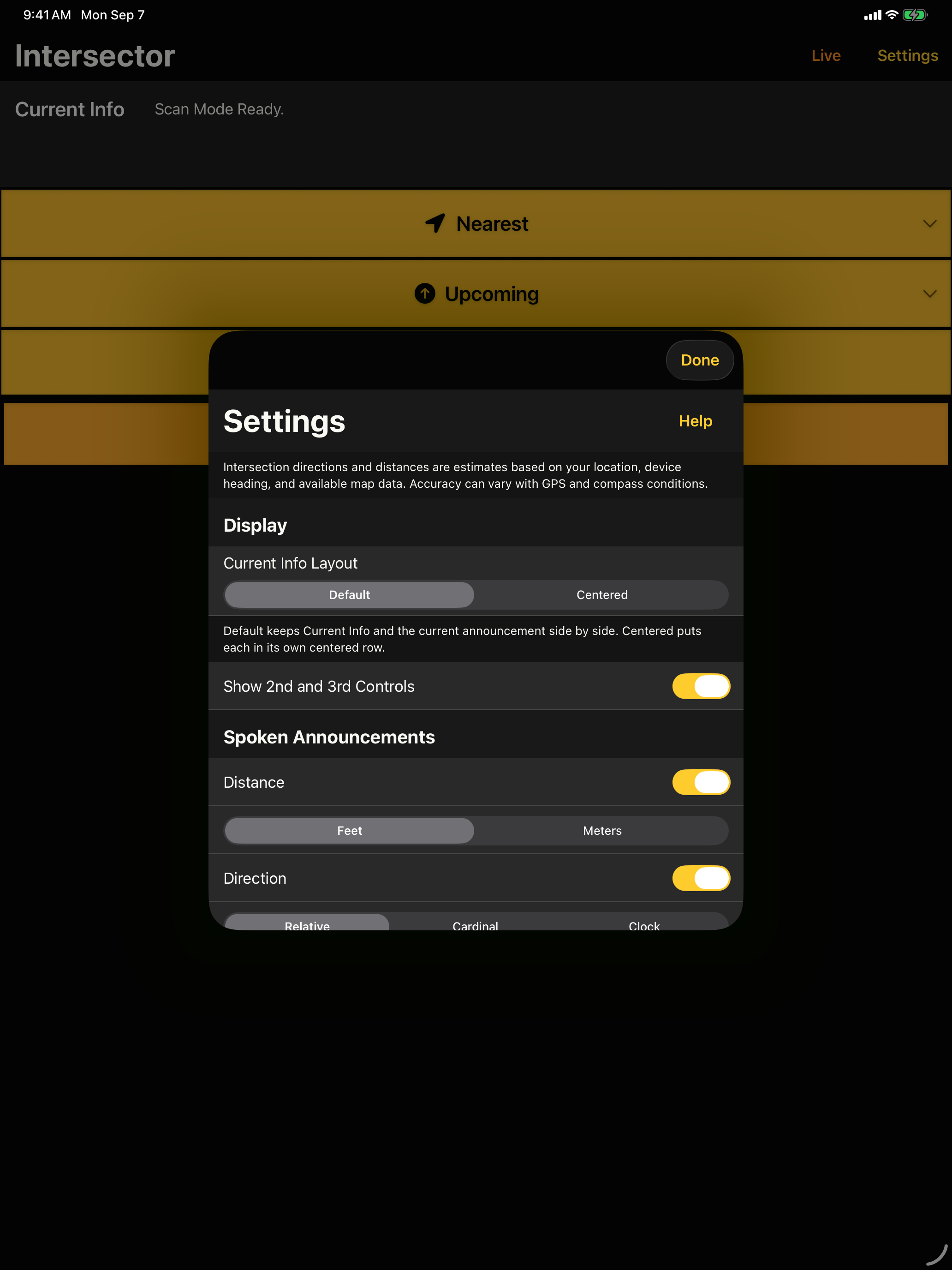
Choose whether announcements include distance, direction, and intersection details so repeated information stays useful.
Apple Watch
Find your nearest or upcoming intersection and check your direction from the companion Apple Watch app.
Live Mode
Turn on Live to hear upcoming intersections as you walk or ride, without requesting each update. Choose Walking or Driving in Settings. Driving announces intersections sooner. Live continues when you use another app or lock your device.
With VoiceOver, choose the Live control's Walking Mode or Driving Mode action and double-tap to start that mode. If Live is already on, the action changes the mode and announces the update.
Choose the voice, speech rate, and volume in Settings. You can turn Live off at any time, and it stops after you remain stationary for the time you select.
In Driving mode, Live turns off when Intersector detects that you have entered a highway. It announces the shutdown and identifies the highway when that information is available. Turn Live back on after exiting the highway to resume intersection announcements.
Accessibility first
Intersector is designed around VoiceOver-first use, with large full-width controls, Dynamic Type-friendly text, native SwiftUI interface patterns, spoken updates, Apple Watch support, and optional haptic feedback.
- VoiceOver announcements for updated intersection information.
- Large action areas for repeated use.
- Walking Mode and Driving Mode actions on the Live control.
- Siri Shortcuts for common iPhone, iPad, and Watch actions.
- Optional haptic feedback during Scan Mode.
- Configurable announcement details for repeated listening.
- Readable Watch screens for quick orientation checks.
Siri Shortcuts
Use built-in App Shortcuts for common actions, including finding the nearest, upcoming, second, and third intersections; checking My Direction; starting Scan Mode; and using Start Live Mode or Stop Live Mode on iPhone and iPad. You can also create custom phrases in the Shortcuts app.
Privacy and map data
Intersector uses location and heading information to identify nearby intersections, crossings, and walking paths and provide street directions. It does not create accounts, sell personal information, show ads, or intentionally collect analytics.
Map data © OpenStreetMap contributors, available under the Open Database License.
Overpass map queries are provided by NextGIS, with public Overpass services available as backups.
Read the complete Intersector Privacy Policy.
Support
For help with Intersector, bug reports, and feature requests, visit the Intersector Issues page on GitHub.
For direct feedback or questions, email marco@marconius.com.