
WordBopper
Bop some letters, make some words, chase the Daily Bop, and take on BopQuest. A fast, accessible word game for iPhone, iPad, Mac, and Android brought to you by Chancey Fleet and Marco Salsiccia.
Available for iPhone, iPad, Mac, and Android.
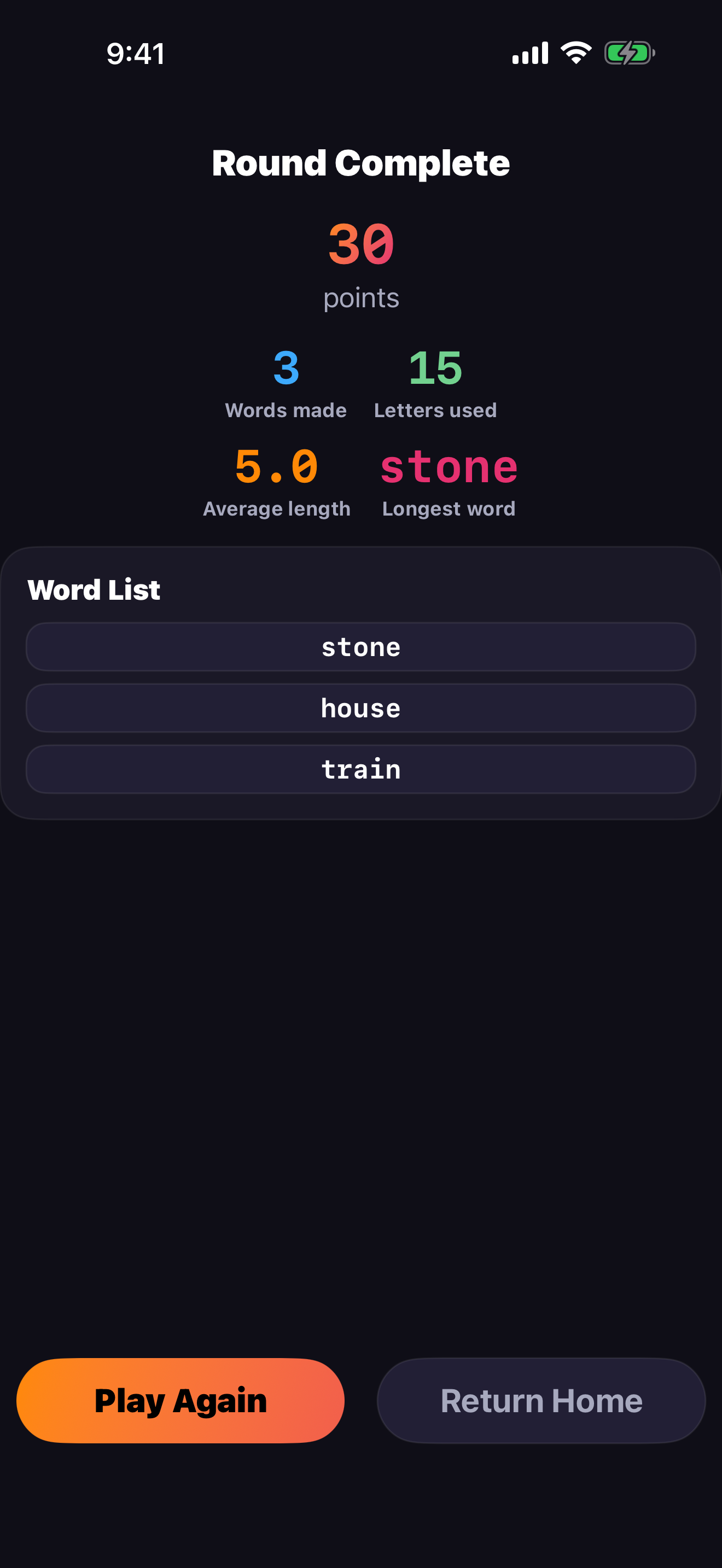
Bop letters into words
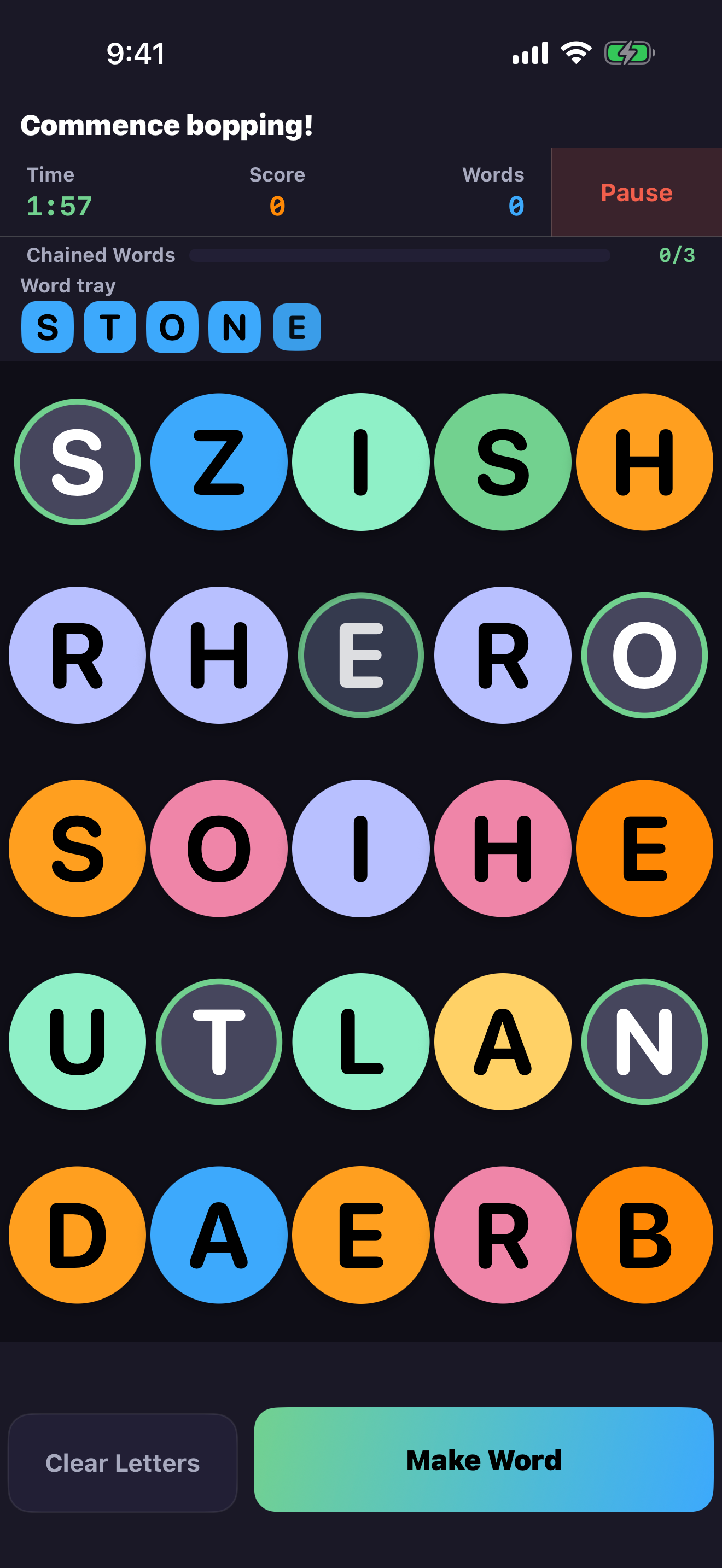
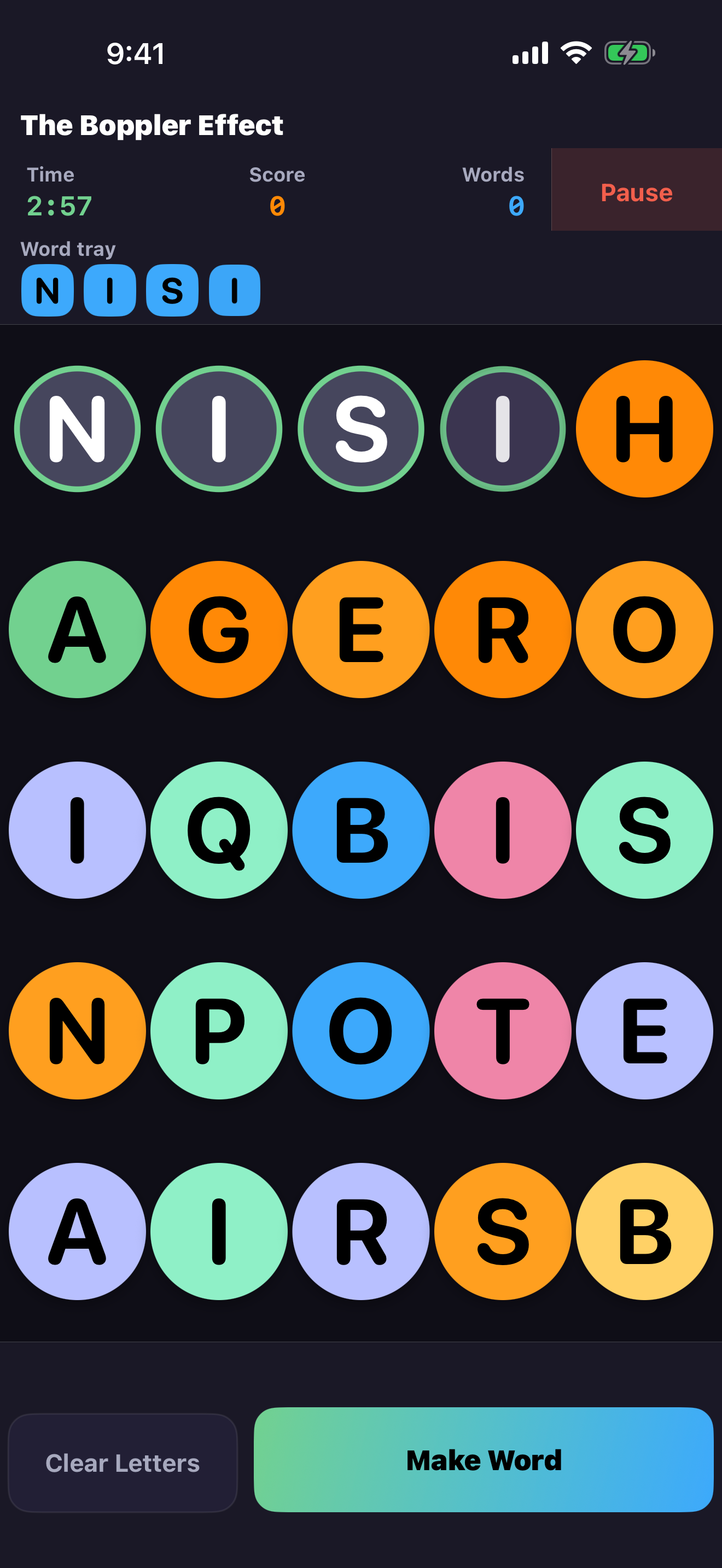
WordBopper gives you a grid of colorful letter bubbles and asks a simple question: what can you make? Tap letters into the word tray, make your word, and keep bopping as the board changes around you.
Build From Bubbles
Spell words from a bouncy grid of colorful letter bubbles, from compact three by three boards to larger six by six challenges.
Chain for Bonuses
Build connected words to earn bonus points. Keep the chain going and you can unlock a short triple-score boost.
Bop in Your Language
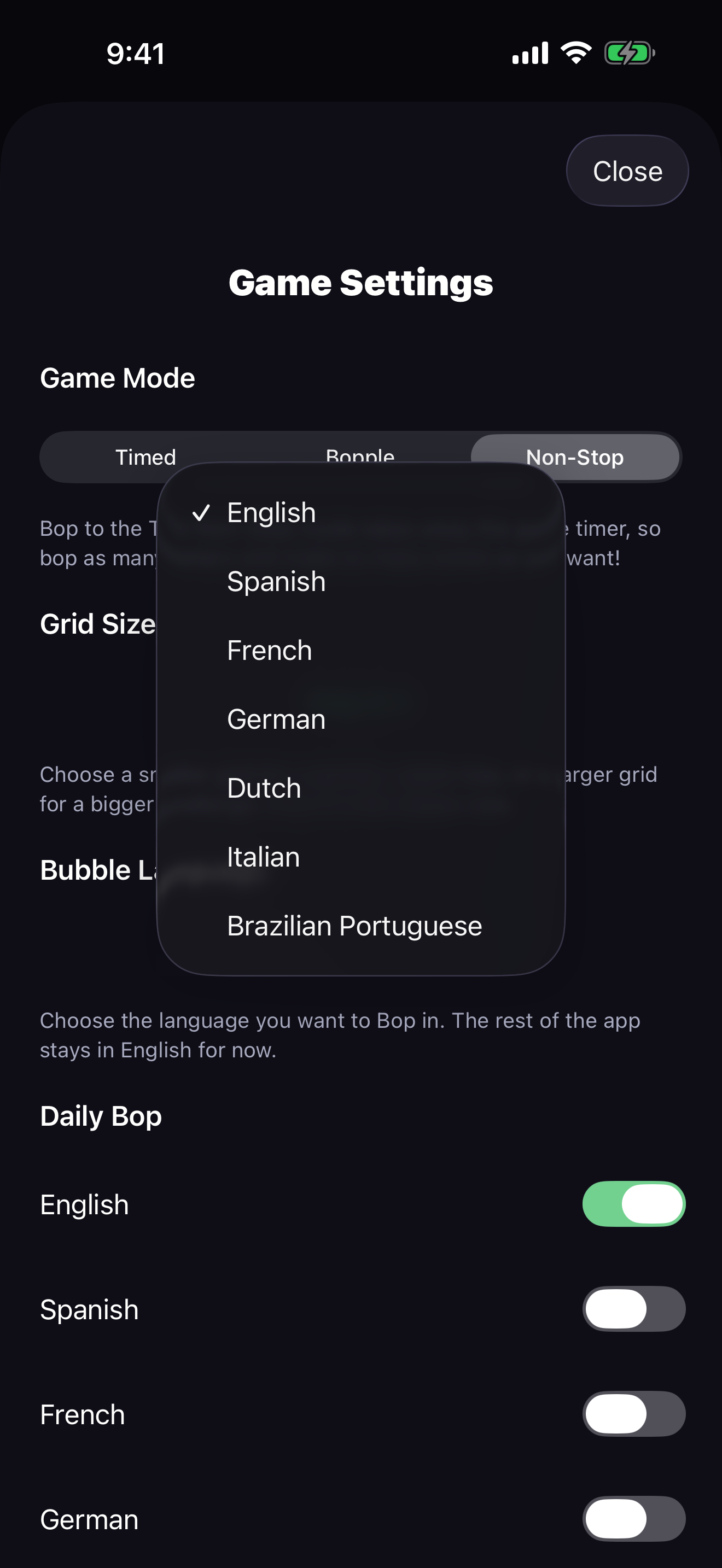
Play in English, Spanish, French, German, Dutch, Italian, or Brazilian Portuguese, with bubble pronunciation following the selected language.
Three ways to bop
Pick the pace that fits your mood, from a frantic two minute sprint to an open-ended marathon.
Timed
Race a two minute clock while letters change as you use them. Keep bopping to push your score before time runs out.
Bopple
Letters stay put on one fixed grid. Hunt down as many touching-letter words as you can before the timer you set runs down.
Non-Stop
No timer, no rush. Build words and chase connected bonuses for as long as you like, then end the game whenever you choose.
BopAway Challenge Mode
Feeling bold? Turn on BopAway and every letter you bop is instantly replaced, making longer words tempting, risky, and wonderfully chaotic.
Daily Bop
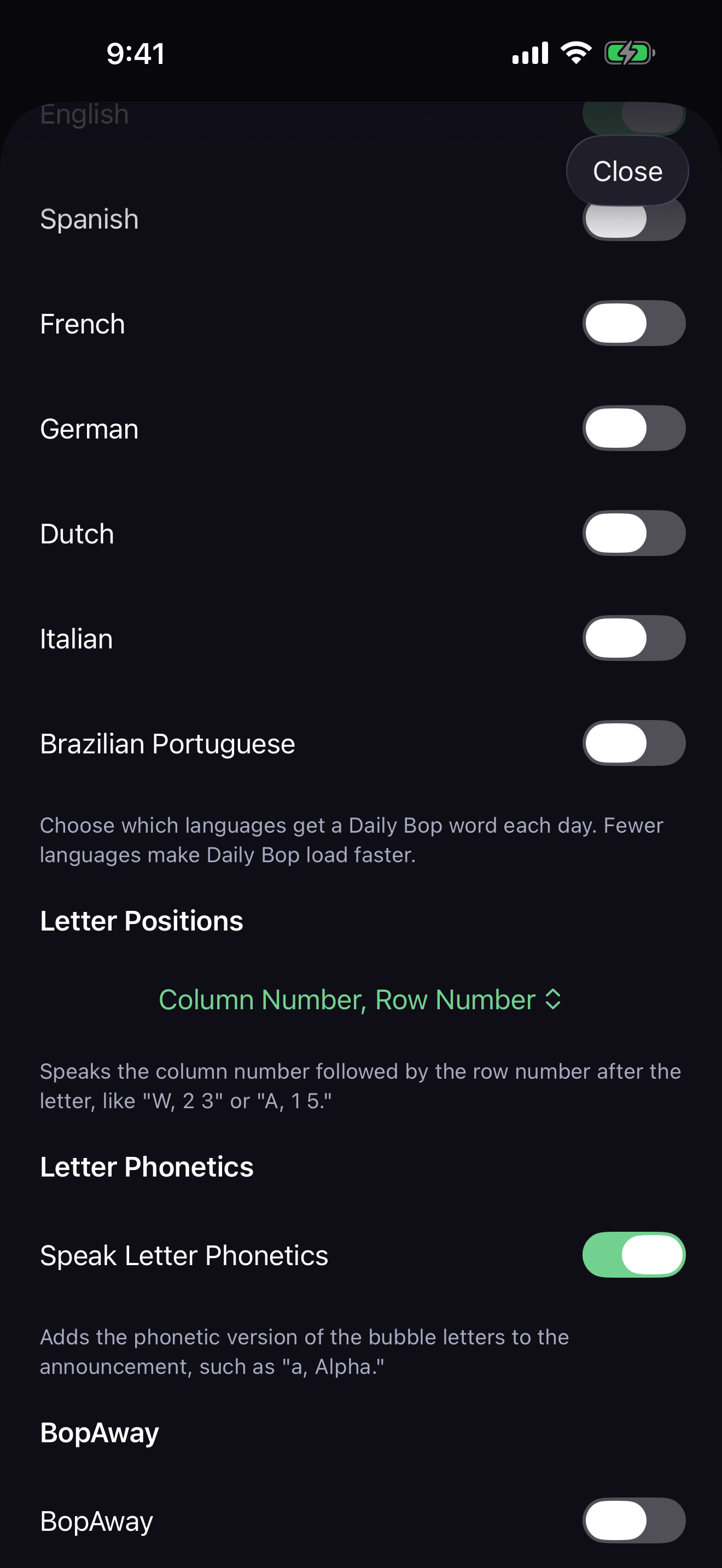
Come back each day for a fresh word challenge in every language you play. Find the Daily Bop during a round to unlock a 45-second triple-score boost, build your Daily Bop progress, and climb through silly ranks as your bopping legend grows.
Fresh Every Day
Each enabled language gets its own Daily Bop word, ready from the home screen whenever you want a focused challenge.
Find It Once
Bop the daily word once per language each day to earn the bonus. After you find it, WordBopper marks it as found.
Rank Up
Every Daily Bop you find adds to your progress and nudges you toward the next ridiculous WordBopper rank.
BopQuest
BopQuest gives you a themed list of words to find before the quest ends. Play any mode you like, keep an ear out for that special found-word sound, and watch your quest progress grow as you bop through the list.
Themed Word Lists
Each BopQuest brings a fresh batch of words around a theme, season, holiday, or event, starting with English quests and room to grow.
Any Mode Counts
Find BopQuest words while playing Timed, Bopple, Non-Stop, or Daily Bop. Your quest progress follows your bopping wherever you play.
Finish the Quest
Each BopQuest word adds to your rank the first time you find it. Find every word in the quest to earn a bonus equal to the full word list.
Accessibility is the game
WordBopper was built from a Blind-first, accessibility-first mentality. Every part of the game is fully playable with VoiceOver and TalkBack, with an audio-forward design and large touch targets that reduce dead space when you explore by touch.
- Clear screen headings and spoken gameplay feedback for every letter, word, and score.
- Adjustable announcements, spoken letter positions, optional letter phonetics, and bubble language pronunciation.
- Large colorful bubbles with customizable letter style, bubble text color, and bubble color themes.
- Portrait and landscape layouts, with a Left-Handed mode for easier reachability.
- Dynamic Type support, reduced-motion support, optional haptics, and original game sounds.
- Missing-word reporting from the About screen or during a paused game.
Track your best bops
WordBopper remembers your best game in every mode, so there is always a personal record to beat. It keeps tabs on your top score, longest word, words made, biggest chain, Daily Bop progress, BopQuest progress, and rank, all stored right on your device.
Prefer a quick browser round?
WordBopper started life as a web game, and that original is still online and free to play in your browser. It is a lighter taste of the game; the mobile app is where WordBopper is at its fullest, with every mode, language, and accessibility setting above.
Try the web version in your browser.
Privacy
WordBopper does not create accounts, collect personal information, run analytics, show ads, or track you. Your best-game stats, Daily Bop progress, BopQuest progress, ranks, settings, and preferences are stored locally on your device.
Read the complete WordBopper Privacy Policy.
Support
For help with WordBopper, bug reports, missing words, and feature requests, visit the WordBopper Issues page on GitHub.
For direct feedback or questions, email marco@marconius.com.